 ZxBudget
Guide
Accounts
An account is a place money sits: a chequing account, a card, or something you own that you do not spend from.
Cash and cards
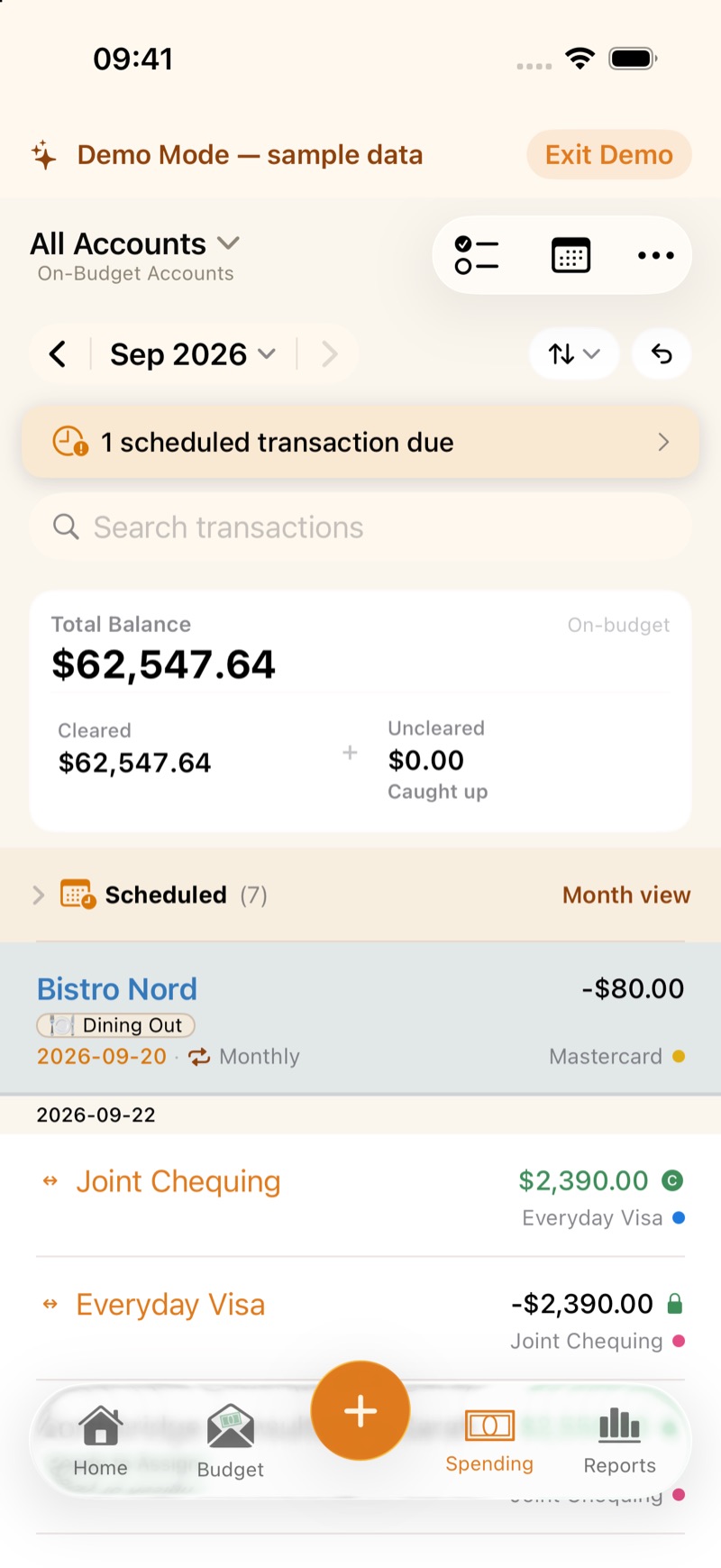
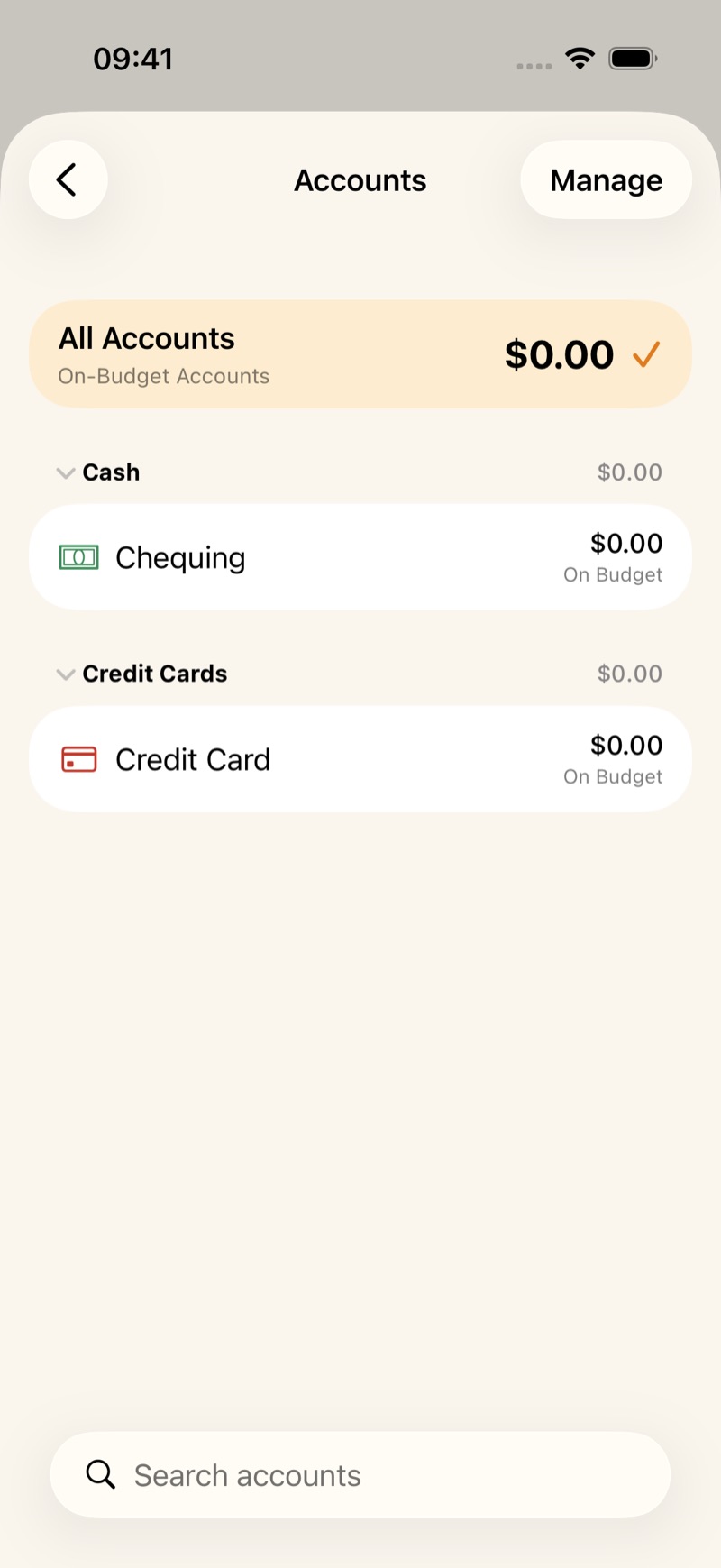
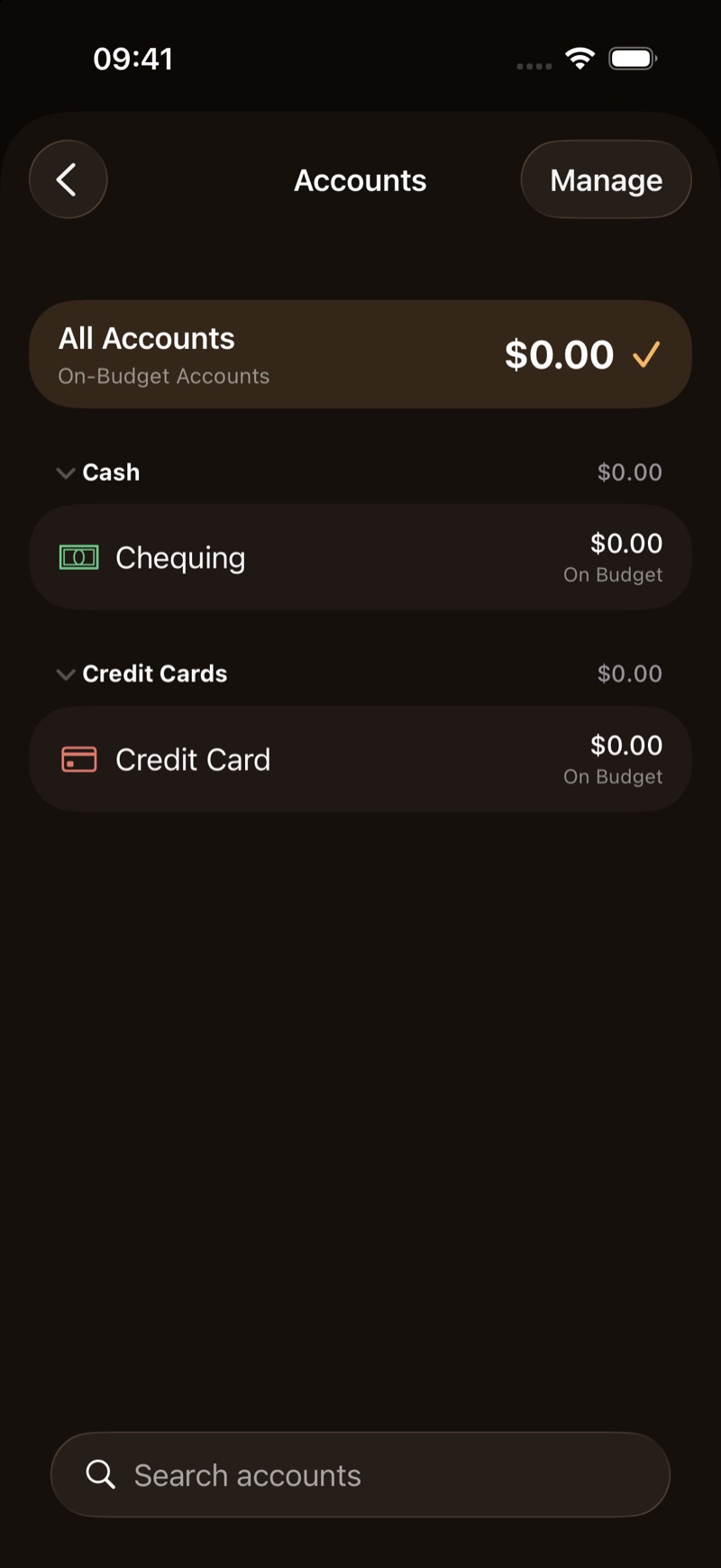
Open Spending, then All Accounts. A new budget starts with Chequing and Credit Card. Add Account asks for a balance and an as-of date.
Spending on a credit card sets the payment aside in that card’s category. When you pay the card from chequing, that set-aside money is what covers the payment.
Tracking accounts
A tracking account is for something that belongs in your net worth and not in the spending plan: a house, a car, or investments held outside the budget. For those, the action is Update Value rather than Reconcile. A debt you track, such as a loan, still uses Reconcile.
Clear, then reconcile
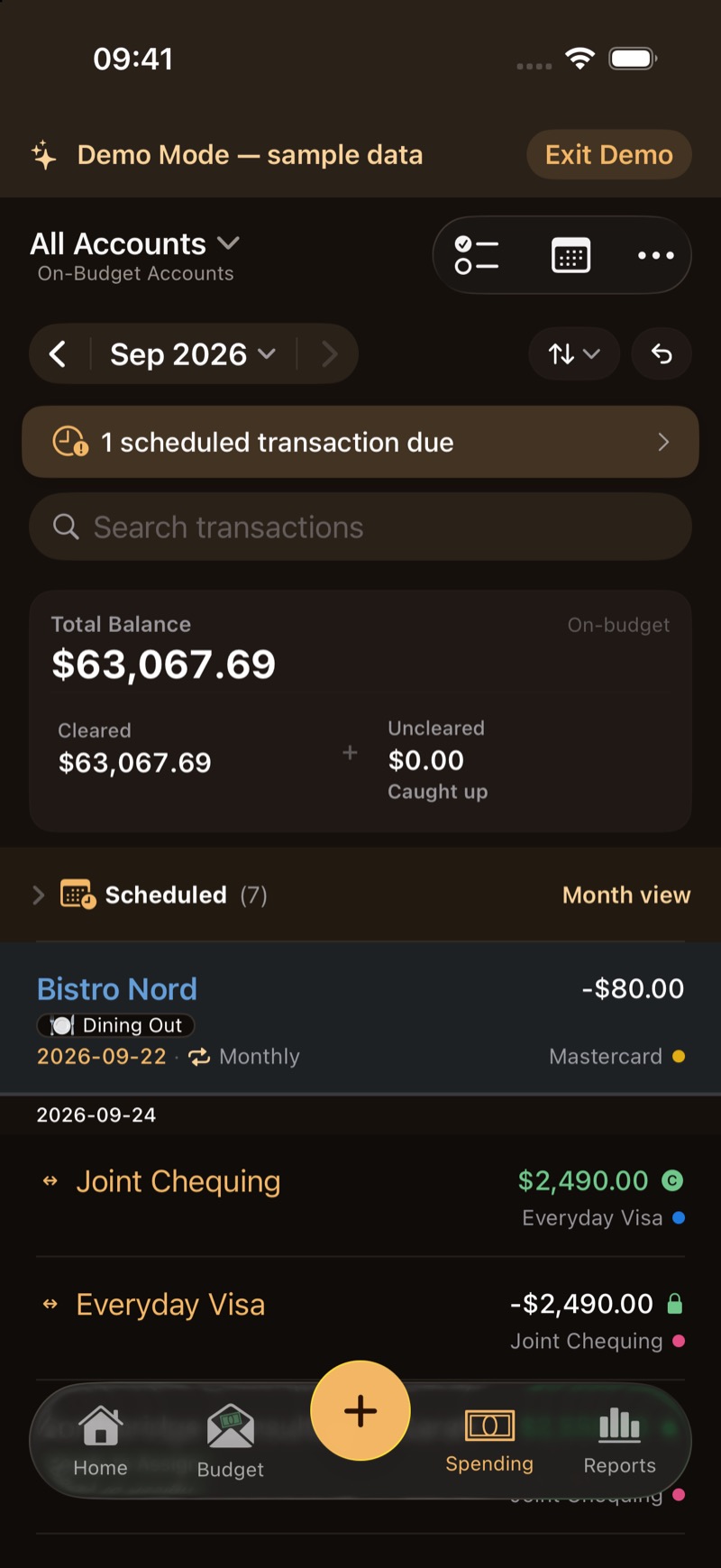
A transaction starts uncleared. The C at the end of the row is an outline until you match it to your statement. On iPhone, press and hold the row and tap Mark Cleared. On Mac, click the C. A filled C is cleared. A lock means the row is already reconciled.
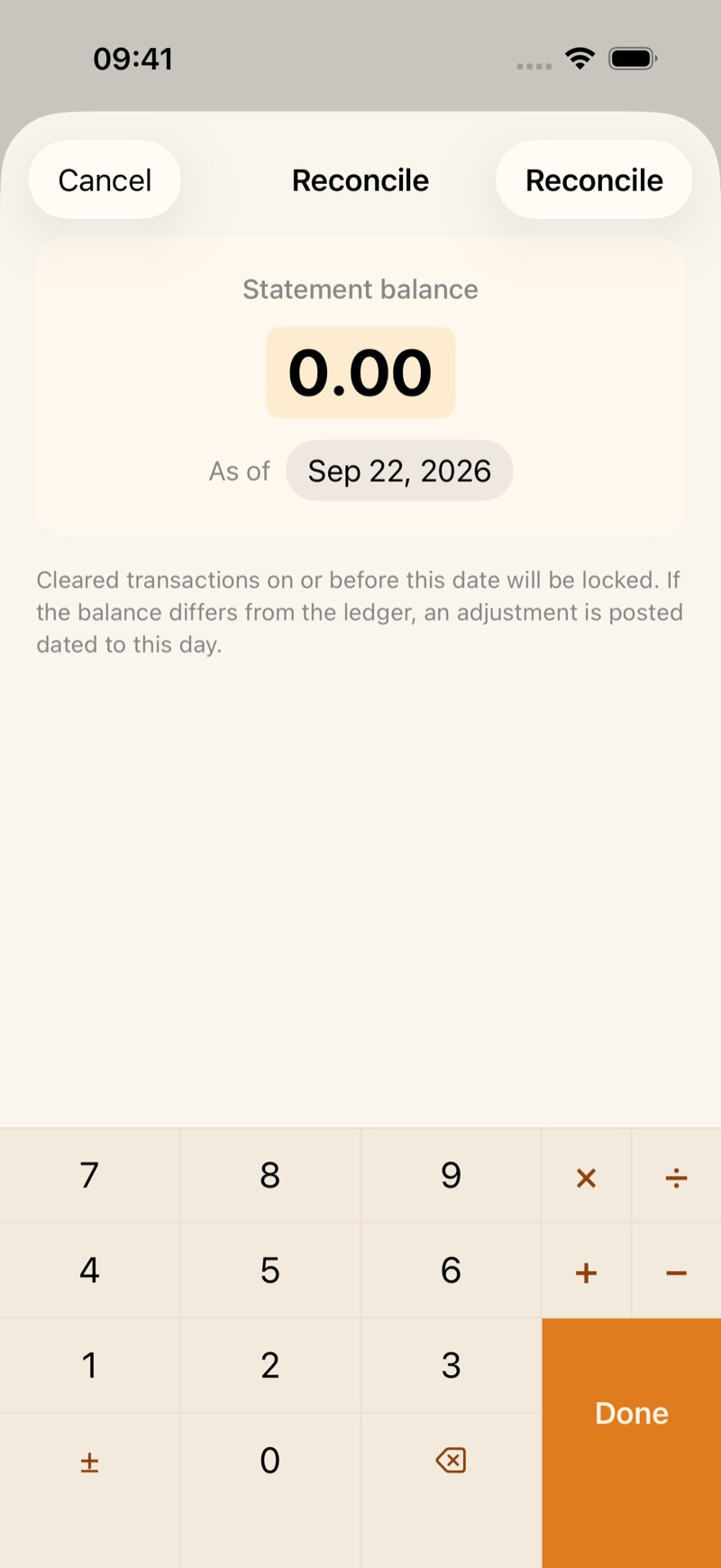
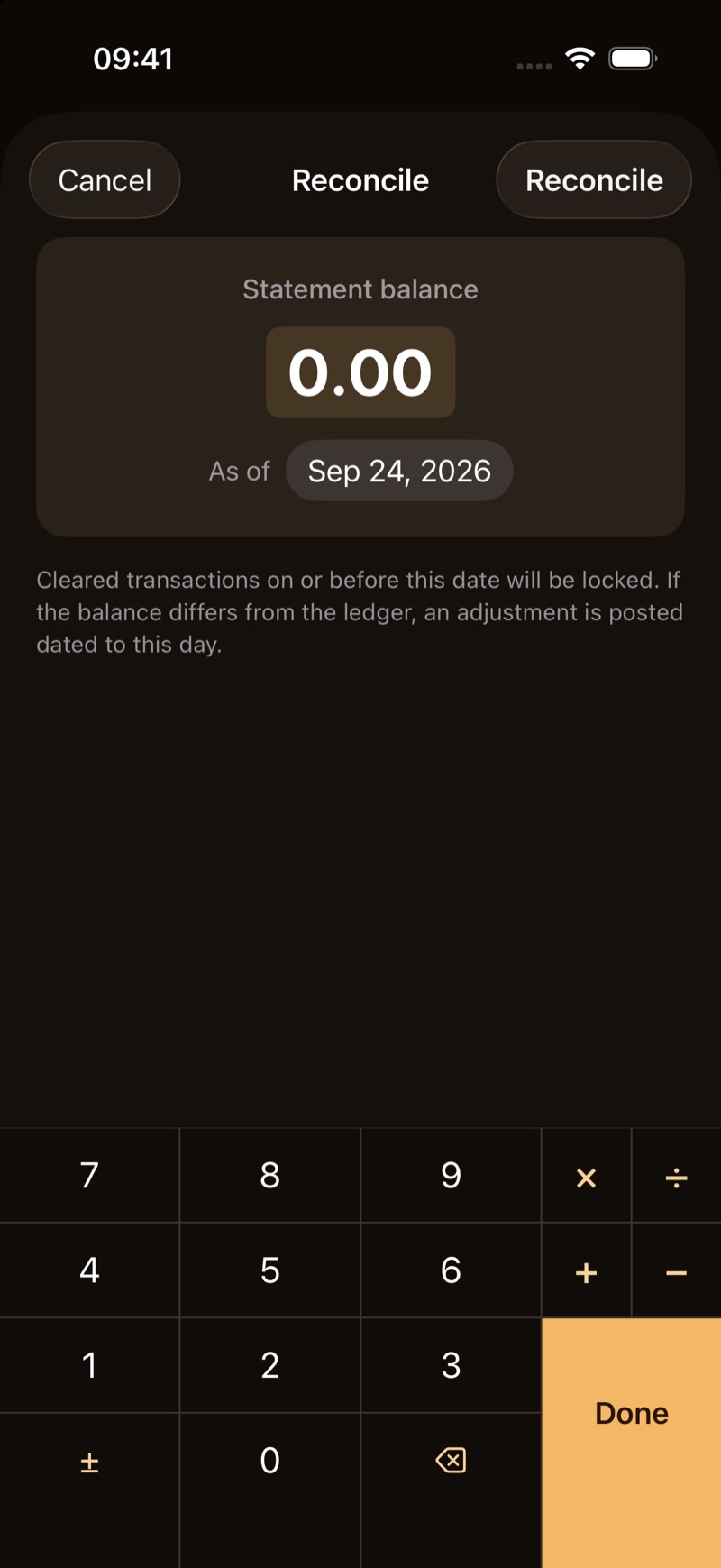
Under Cleared on the account, tap Reconcile. Enter the Statement balance as of the statement date. Cleared transactions on or before that date are locked. Uncleared ones are left out. If the statement differs from the cleared balance, ZxBudget posts an adjustment for that day.
The quick start walks through this once, with the same pictures.