 ZxBudget
Guide
Registered accounts
Mark a TFSA, RRSP, or RESP on an account. Contribution room is an estimate from what you enter, not tax advice.
1. Mark the account
The section is on a Cash account or a tracking account that holds assets. A credit card does not get it.
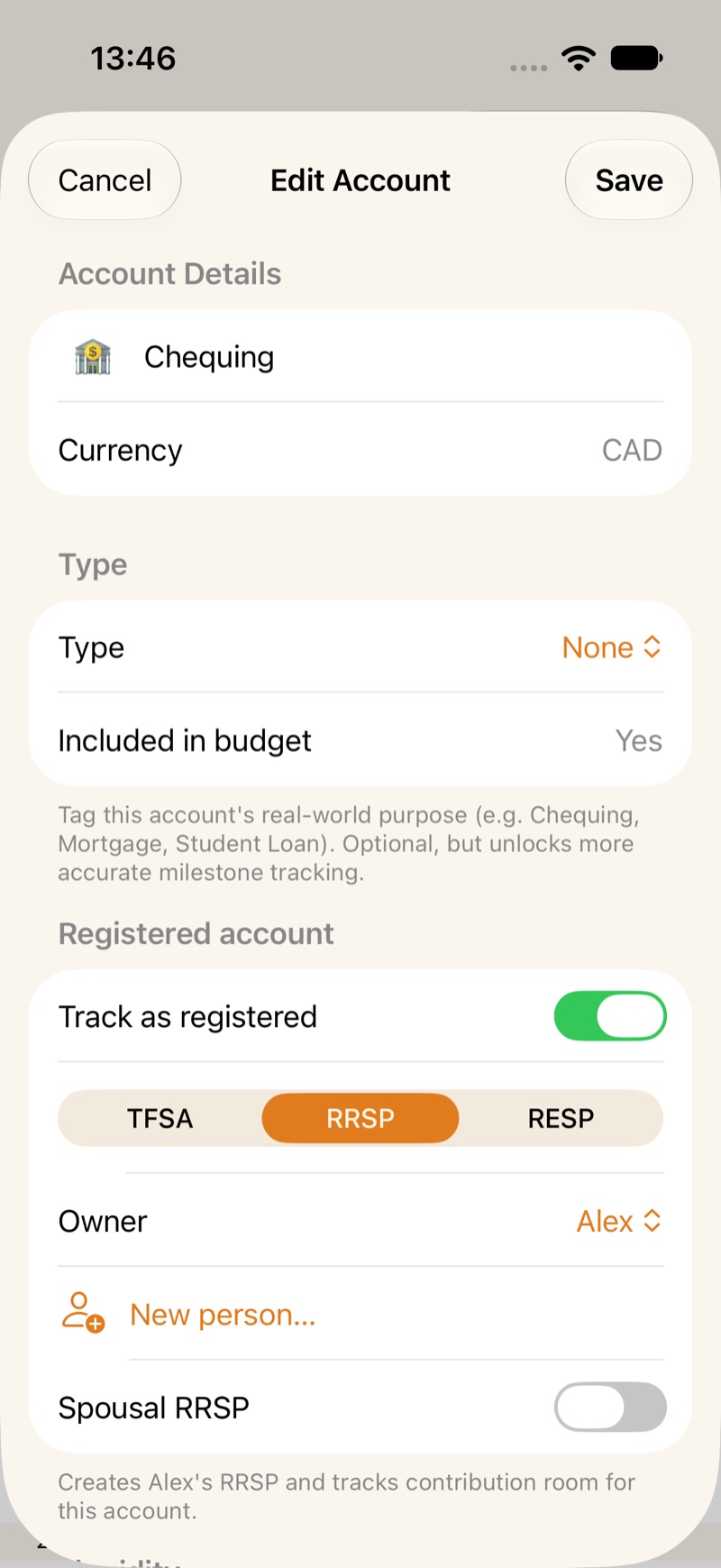
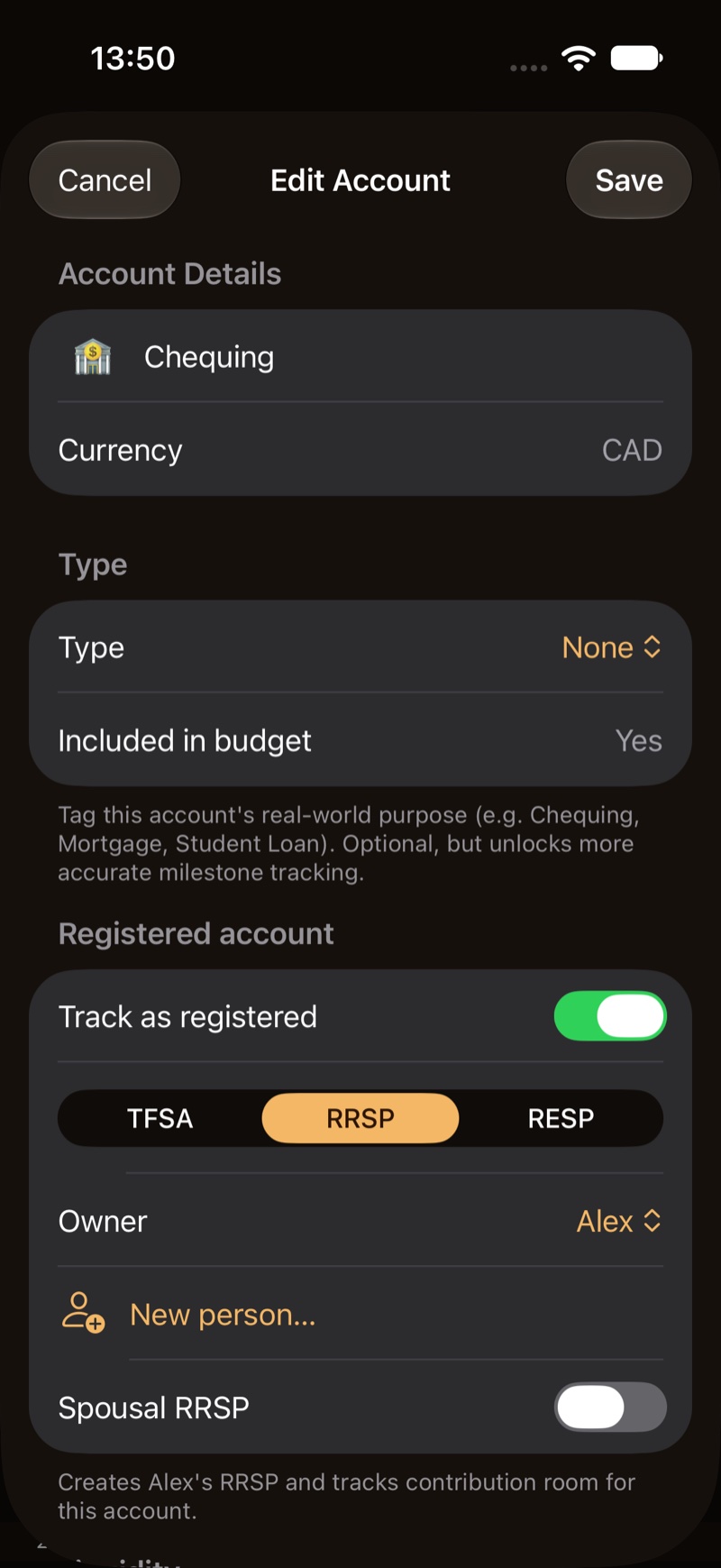
Open the account. Under Registered account, turn on Track as registered. Choose TFSA, RRSP, or RESP.
For a TFSA or an RRSP, pick an Owner, or add one with New person…. A second account for the same person joins that person’s plan. It does not start a second pool of room.
An RRSP can be a Spousal RRSP. The plan stays with the owner. Spouse is whose room new deposits use. When the budget has more than one person, pick that spouse before you save.
For an RESP, add Beneficiaries. New child… asks for a name and a birth year. Save needs the birth year. Two or more beneficiaries is a family plan.
2. Read the room
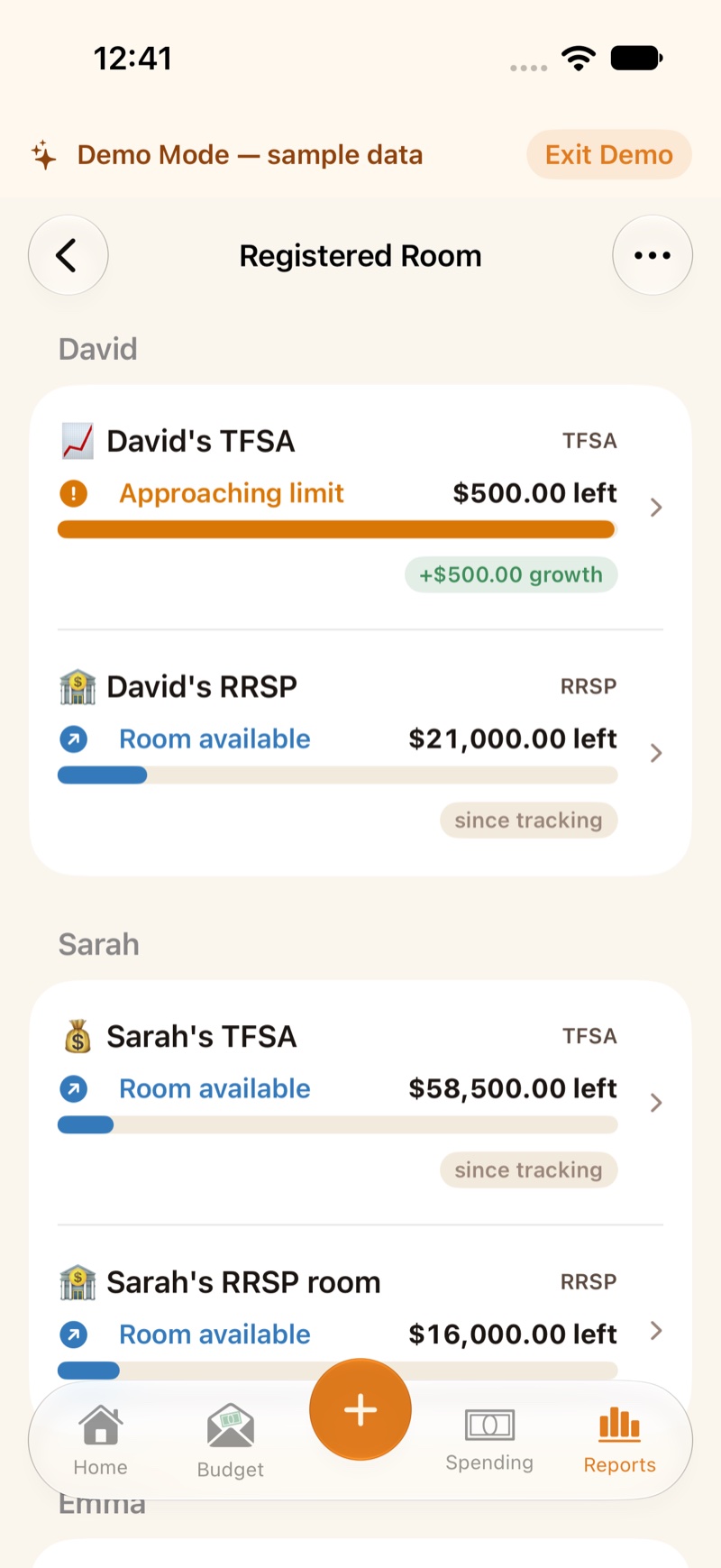
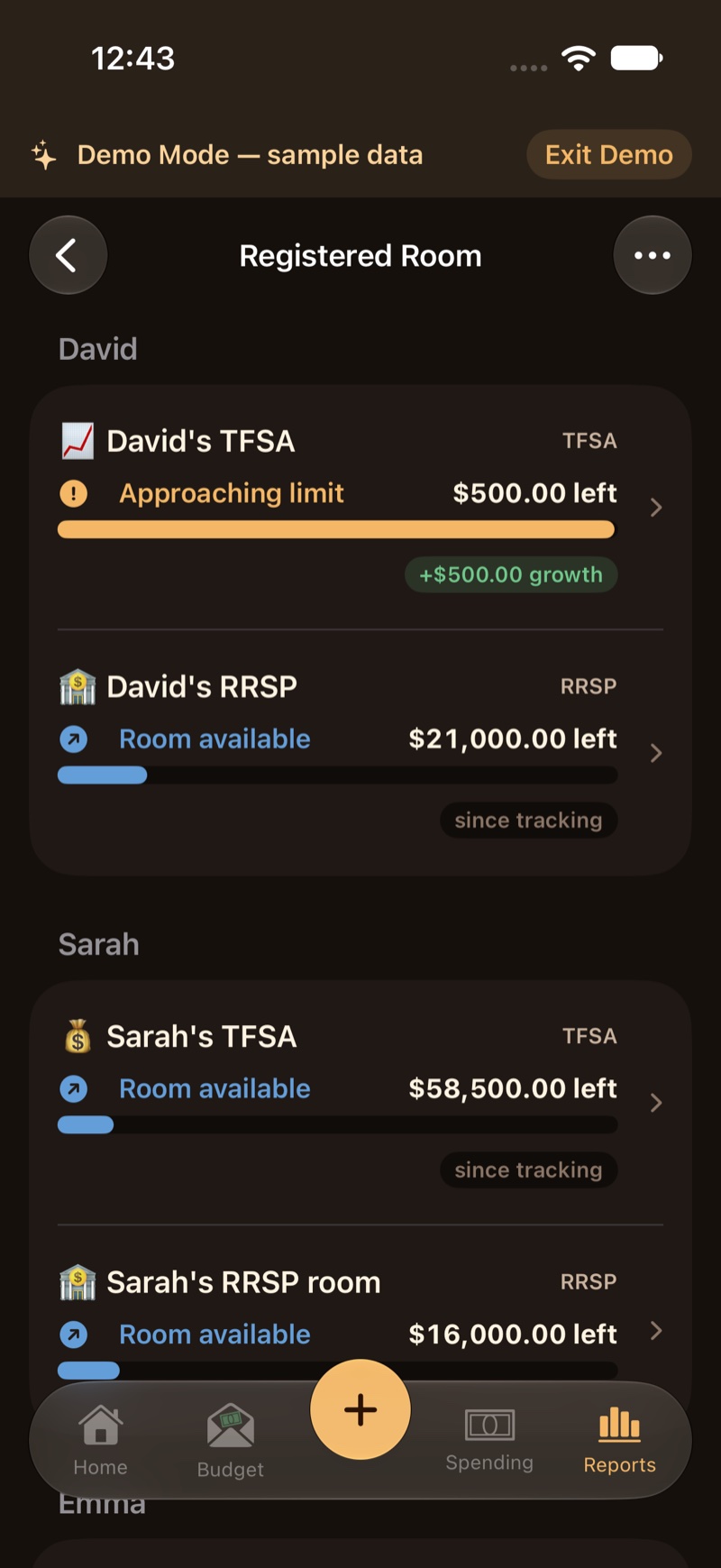
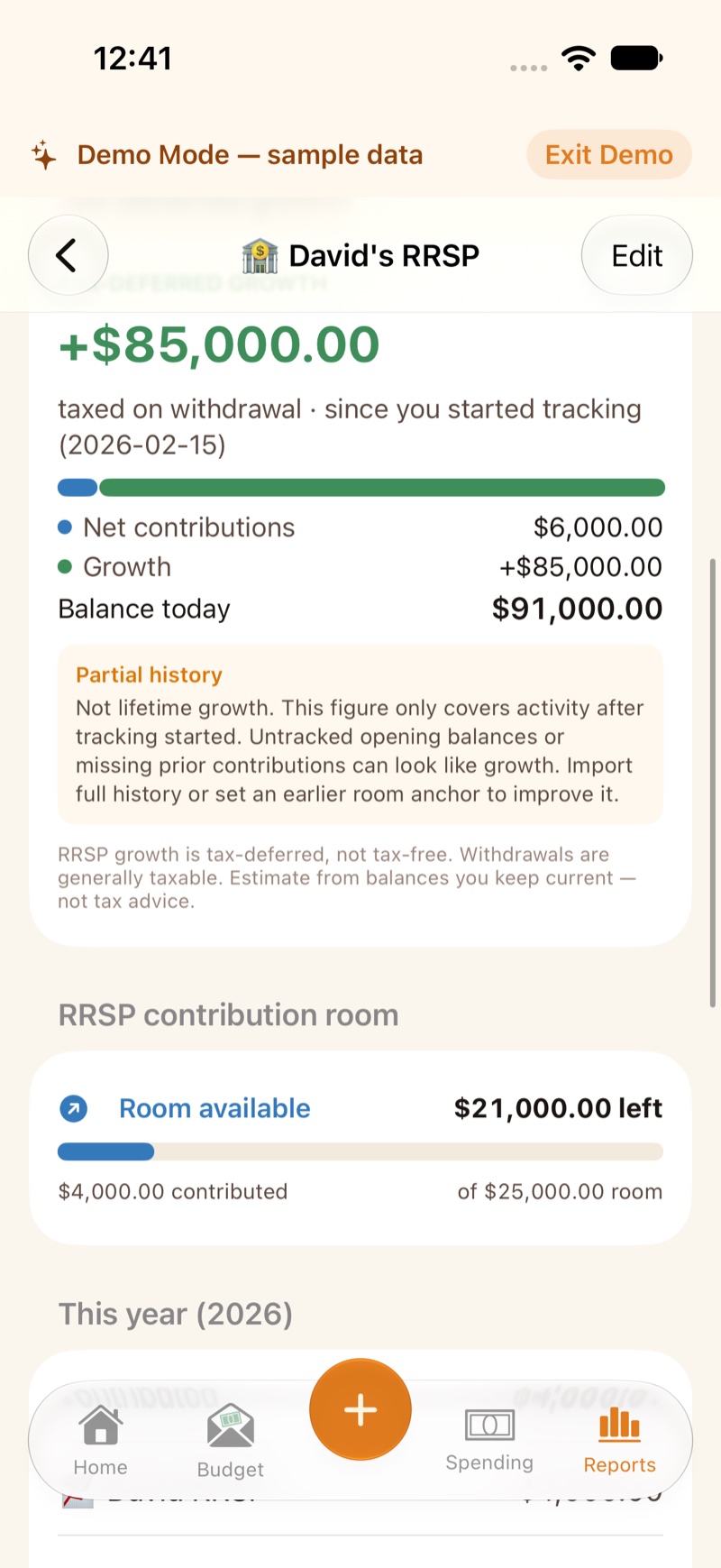
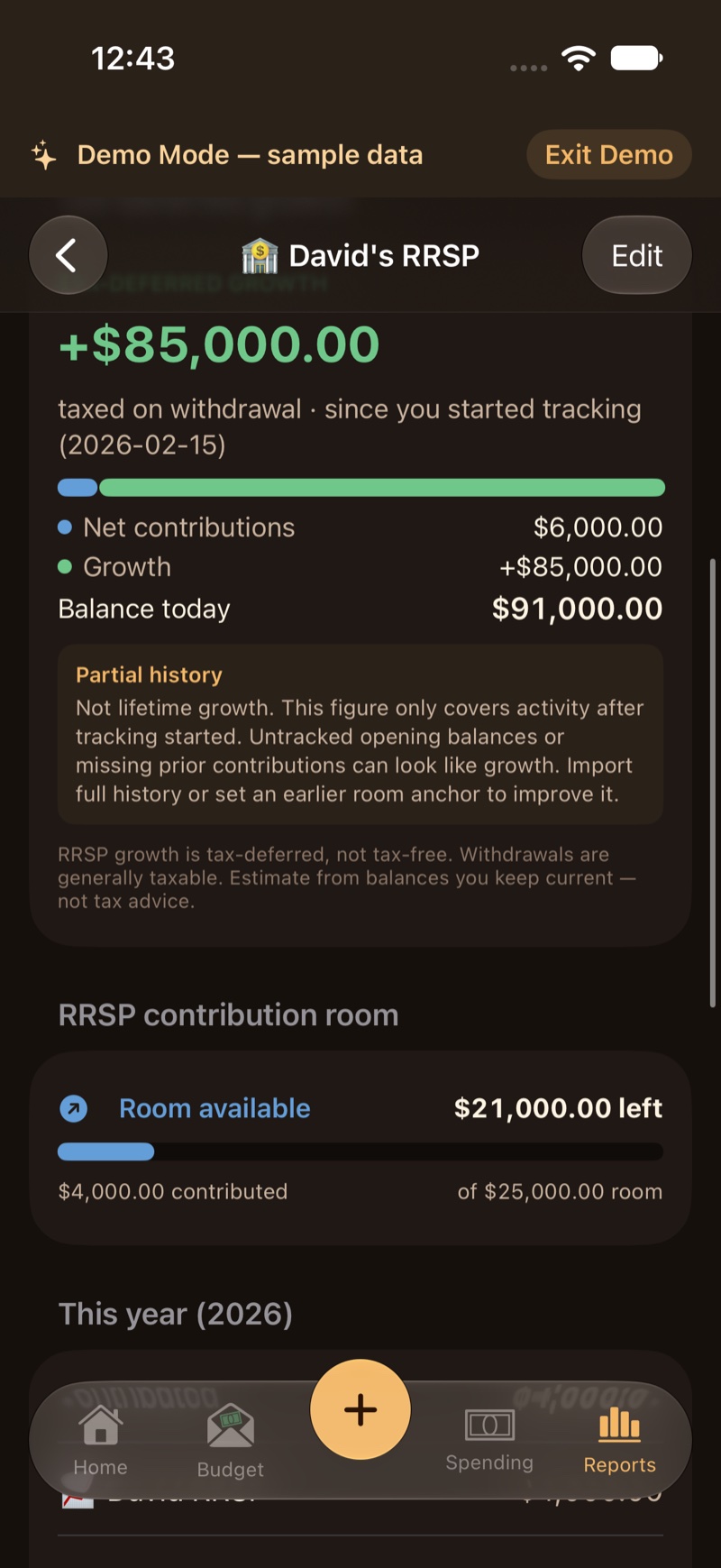
Open Reports and Registered Room. Each plan shows a meter: Room available, Approaching limit, Maxed out, Over-contributed, or New room available.
Show my calculation lists how the app got there. Confirmed room is the figure you enter. On an RRSP that section is CRA room (Notice of Assessment) and Available room (CRA), with an as-of date. The app does not build RRSP room from your income.
A TFSA withdrawal can return as room the next year. An RRSP or RESP withdrawal does not.
If the meter says Over-contributed, the penalty line is an estimate. The screen says it is not tax advice.
When the owner’s birth year says they are 71 or older, the RRSP plan shows a reminder about maturing the plan. That reminder is not tax advice, and the app does not convert the account for you.
3. Record a deposit
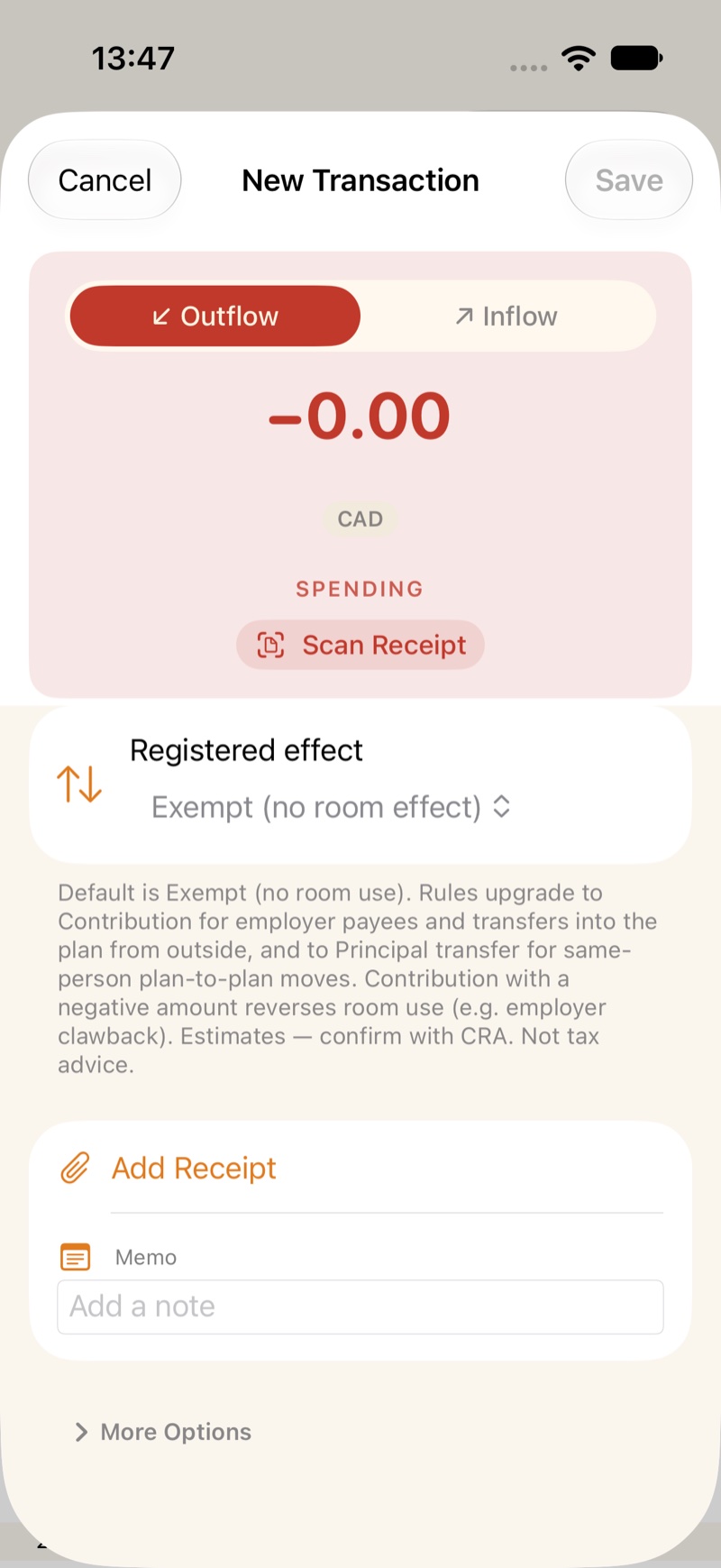
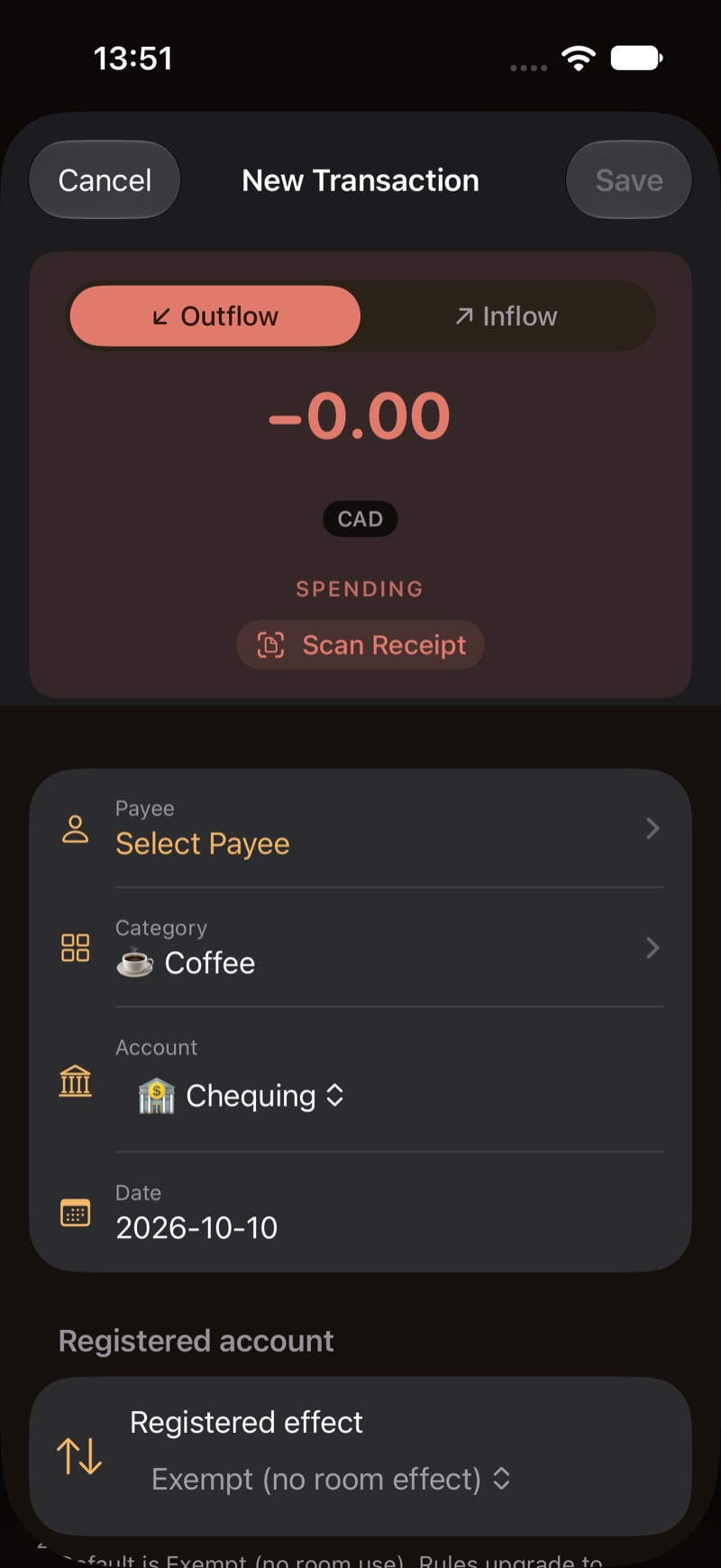
A transfer into the plan usually counts as a Contribution. On the transaction you can set Withdrawal, Principal transfer, or Exempt (no room effect).
Exempt is for a market change, a dividend, or a Home Buyers’ Plan or Lifelong Learning Plan repayment. The RRSP plan has a Room effect tip that says this. The app does not keep a repayment schedule for those plans.
A Principal transfer is a move between plans of the same type for the same person. It does not use room.
On a spousal RRSP, the deposit uses the spouse’s room unless you change it on that transaction.
4. RESP grant
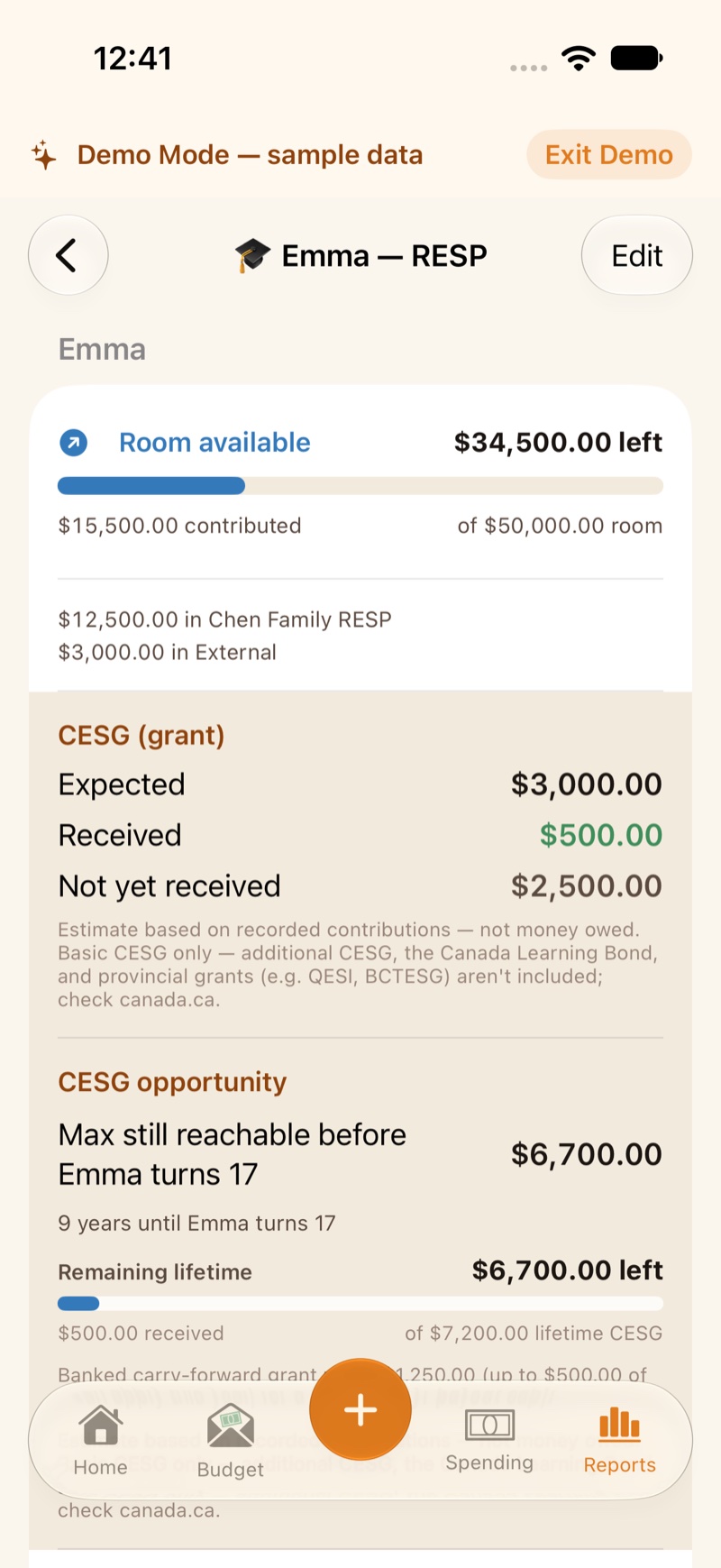
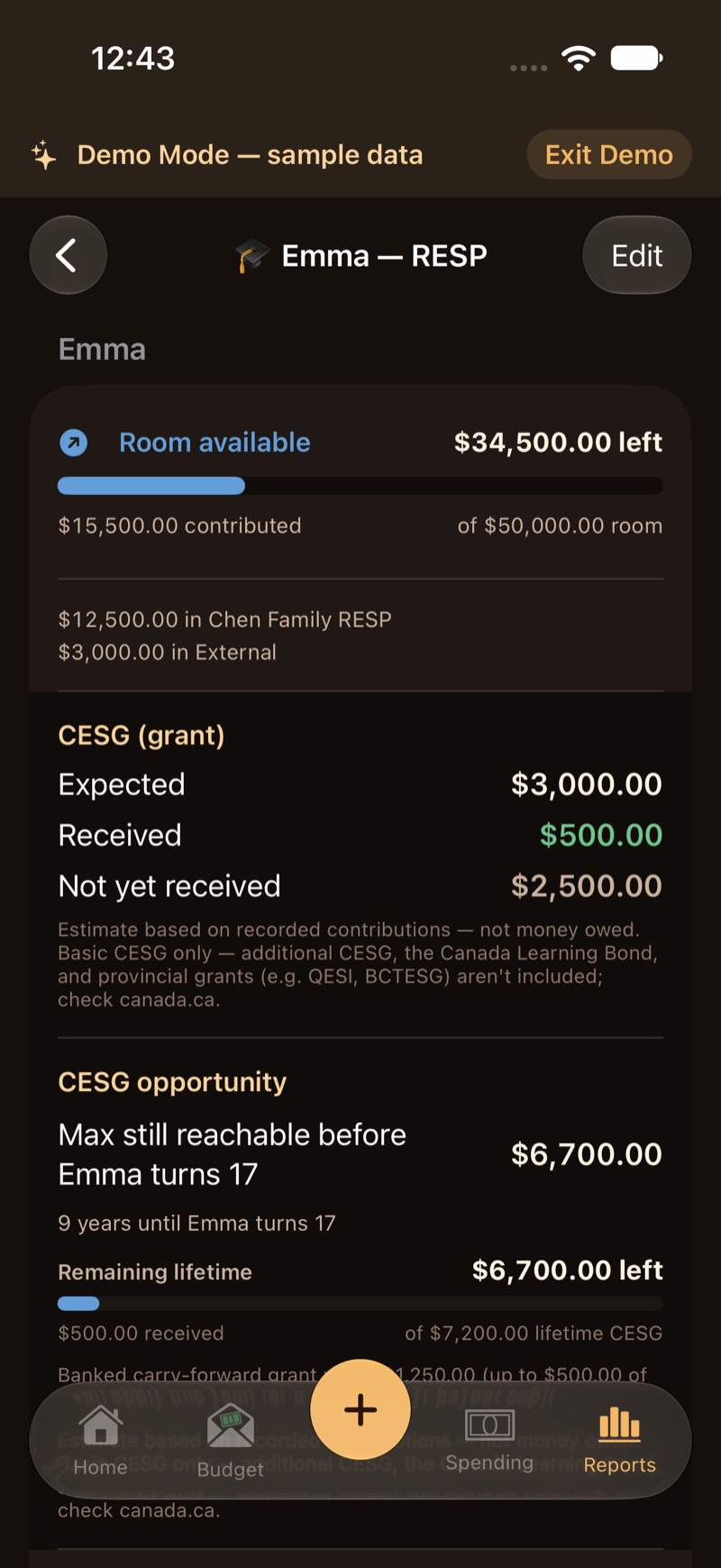
An RESP plan shows CESG as Expected, Received, and Not yet received. Those are estimates. The screen says to confirm residency and the SIN with the plan promoter. It is not tax advice.
The app can suggest a contribution that would capture more grant this year. That suggestion stops once the child is past the grant age the app tracks.
5. Withdrawal tax estimate
On an RRSP account, Estimate tax on withdrawal uses the person’s rate under Manage People. The starting rate is a planning placeholder. The account editor says it is not your tax rate and not tax advice. A TFSA or an RESP does not use that estimate.