 ZxBudget
Guide
Assigning
Assign all of your money to a spending category. This is your spending plan for the month.
Ready to Assign
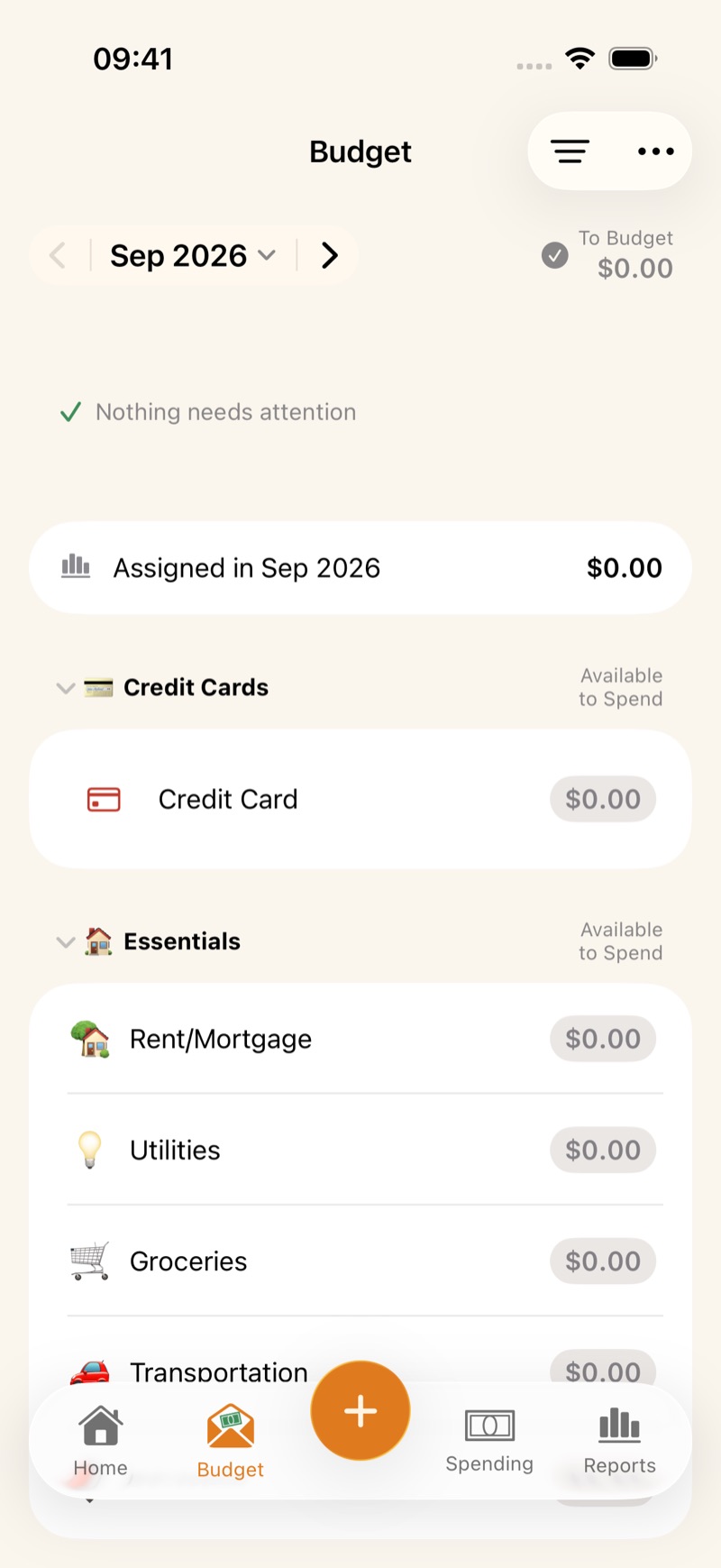
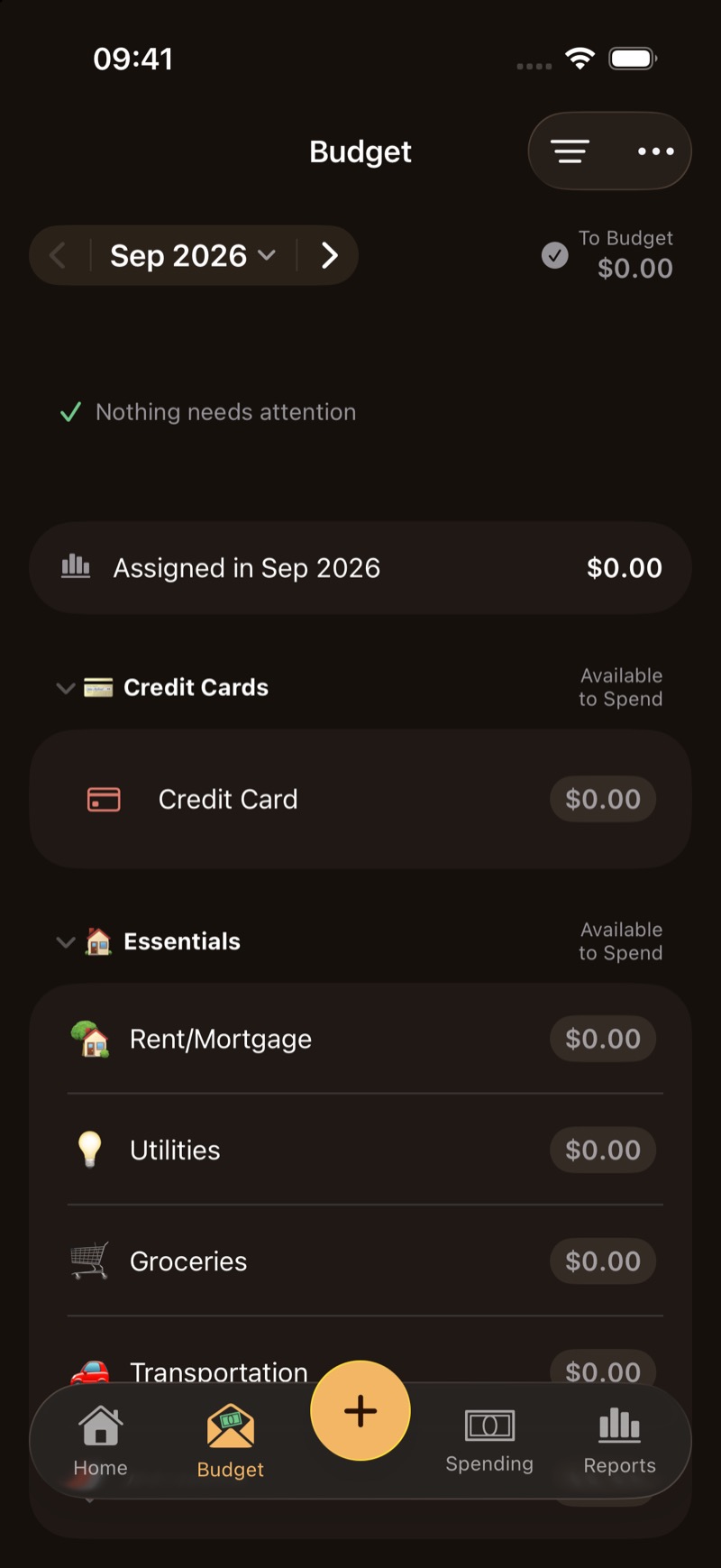
Money that has come in and has no category assigned yet is Ready to Assign. On the Budget tab it shows as To Budget. Record income as an Inflow with the category Ready to Assign, and that amount appears here.
Categories and groups
Categories are where money is assigned. Putting money in a category is how you budget for spending. Spending lowers that category’s available balance. Assign enough each month to cover the spending you expect. A negative amount means the category was overspent. Assign more money there to cover it.
Groups organize related categories, such as Essentials.
- On iPhone, tap the category and edit Assigned.
- On Mac, click the category’s Assigned amount.
You can also move available money from one category to another.
Assign future months
Use the month arrows to plan ahead or look back. Each month has its own assigned amounts. Money still available in a category carries forward to the next month when the current month ends.
After this month’s categories are covered, assign what is left to future months. When six months ahead are fully assigned, you have six months of budgeted spending. You are no longer living paycheck to paycheck.
Targets let you use Auto-Assign to fill later months more quickly. See Targets.