 ZxBudget
Guide
Home and reports
Home is the short list of what to do next. Reports are the longer picture. Neither one is advice.
Home
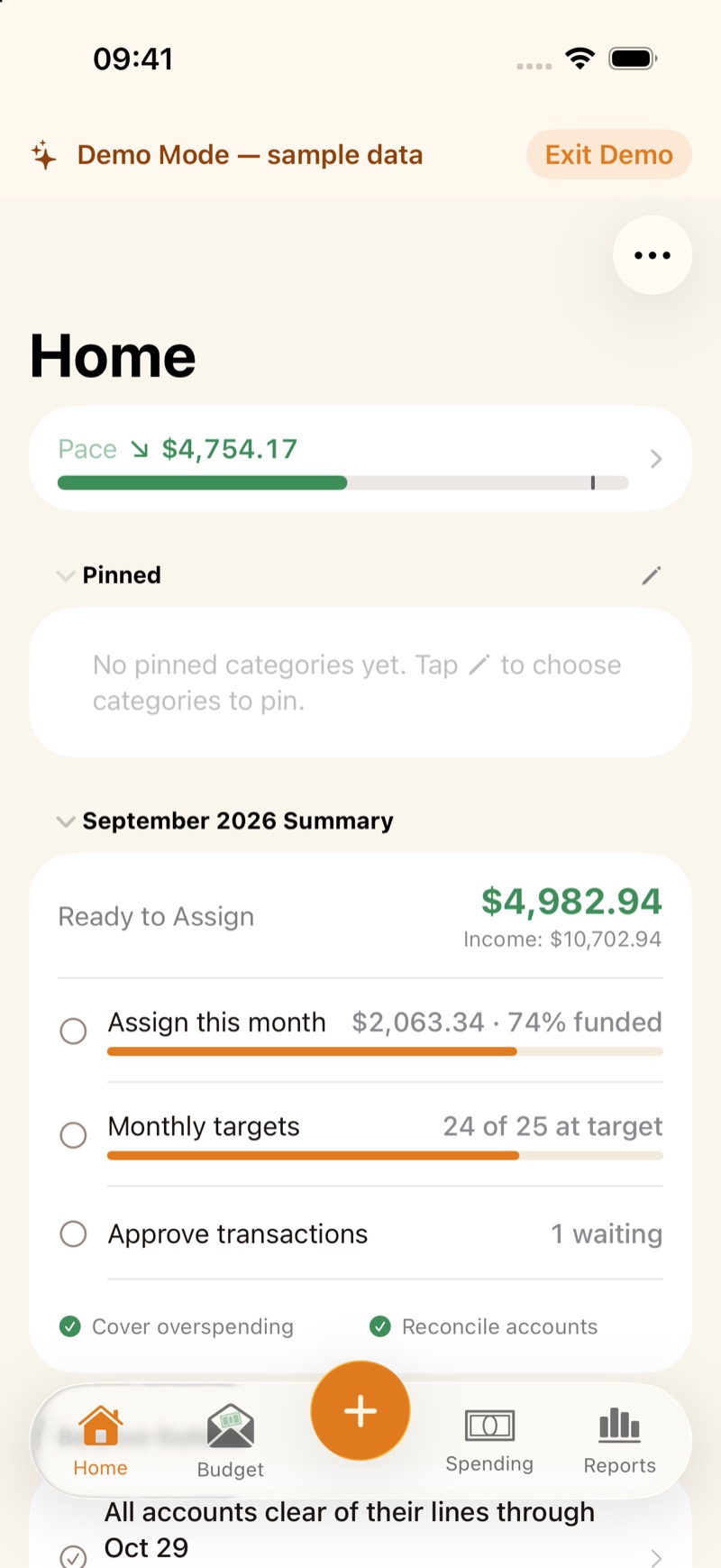
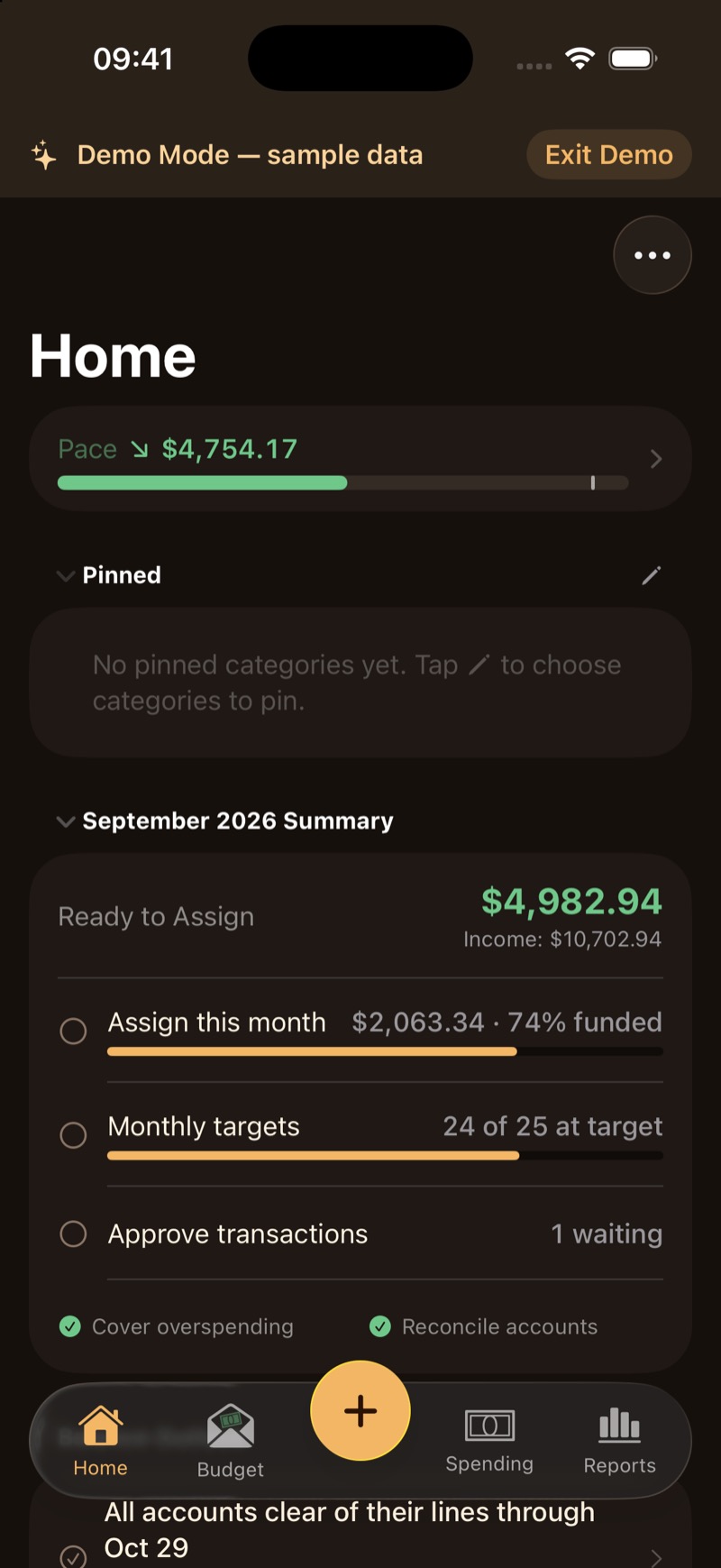
The Home tab leads with spending pace and what is left to assign. Under that is a checklist: assign this month, monthly targets, approve transactions that are waiting, cover overspending, and reconcile accounts that have gone a while without it. Balance outlook says whether scheduled pay, rent, and bills stay within each account.
A new budget can offer Explore with Sample Data. That sample never mixes with your own budget.
Reports
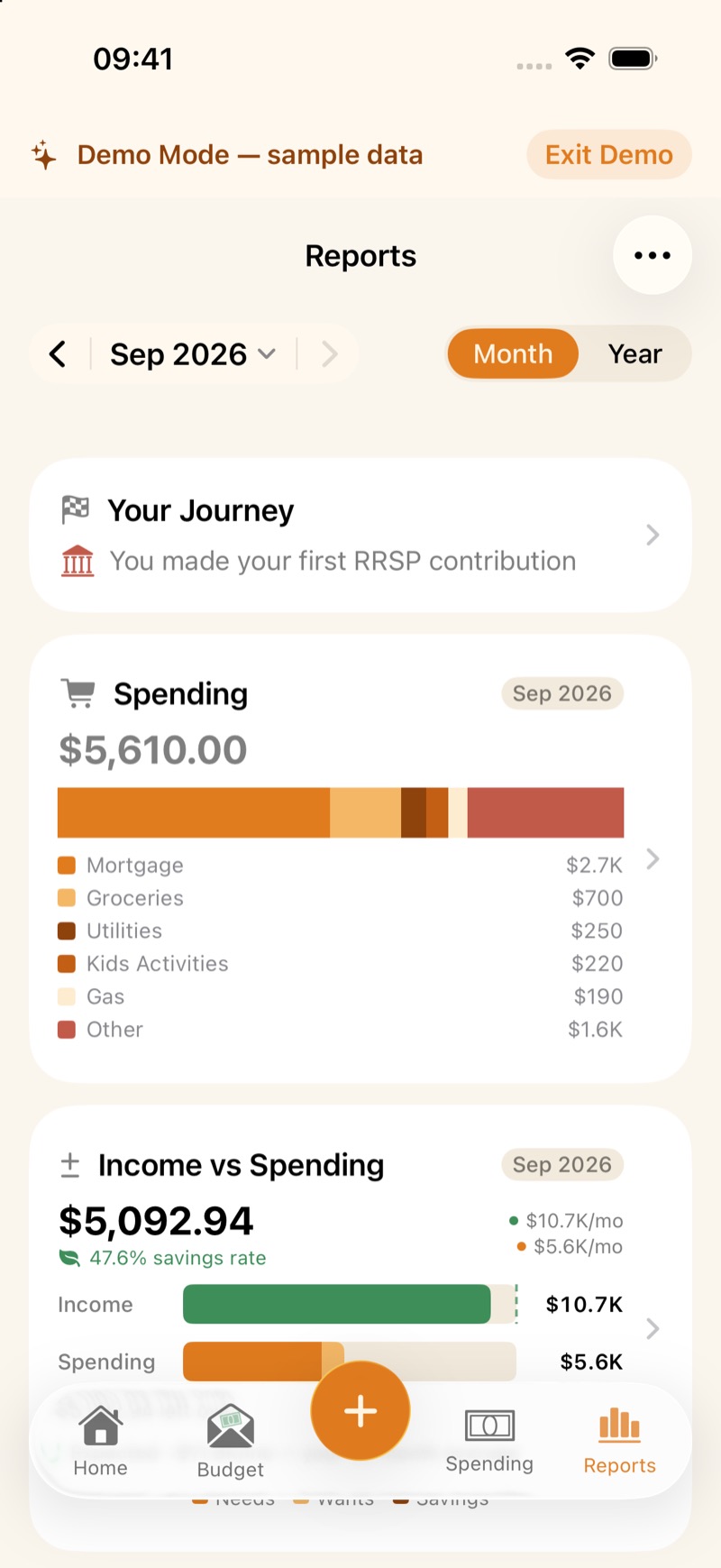
Open the Reports tab. What you can open:
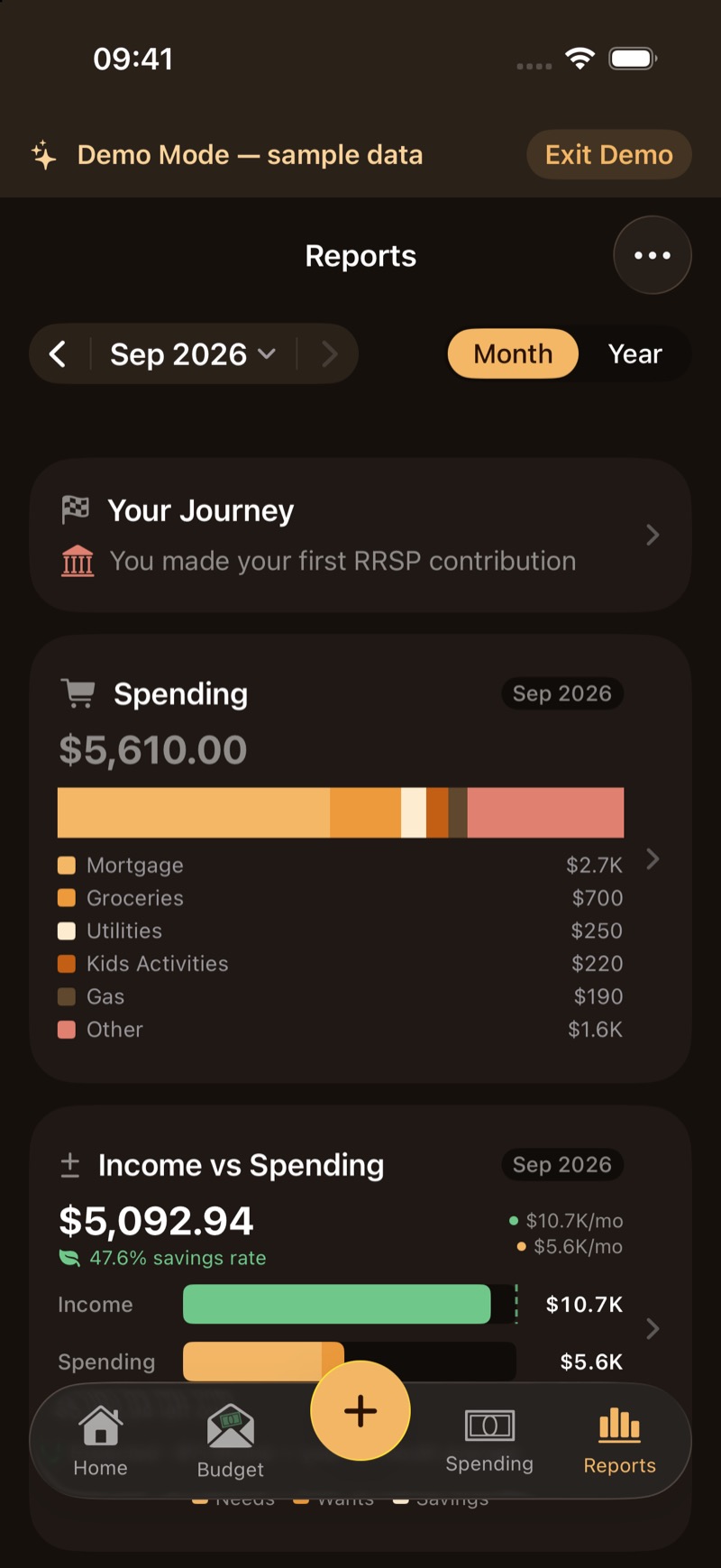
- Spending by category for the month.
- Income vs Spending, including a savings rate. A longer average on that screen is an estimate of pace, not a promise.
- Reimbursements, for what is still owed to you.
- Net worth over time, from the accounts you track.
- Sustainable spending.
- Your Journey, the milestones you have met and the ones still ahead.
- Registered-account contribution room, when you have an RRSP, TFSA, or RESP. A withdrawal-tax figure there is an estimate, not tax advice.
- A currency view when the budget has foreign accounts.
The numbers are computed on the device that holds the budget.