 ZxBudget
Guide
Backups and your subscription
A backup is a file you keep. The subscription is billed by Apple. Neither one is required to read a budget you already have.
Export and restore
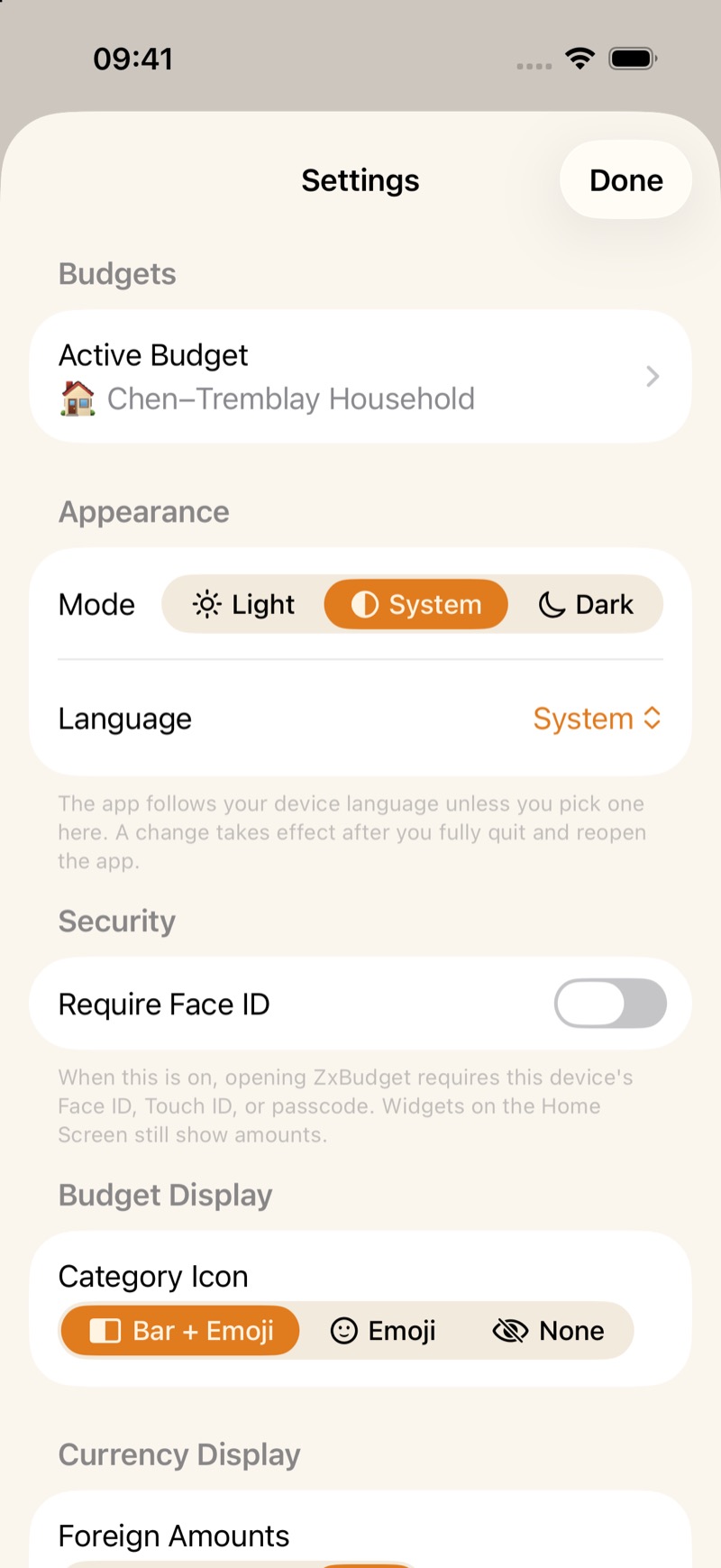
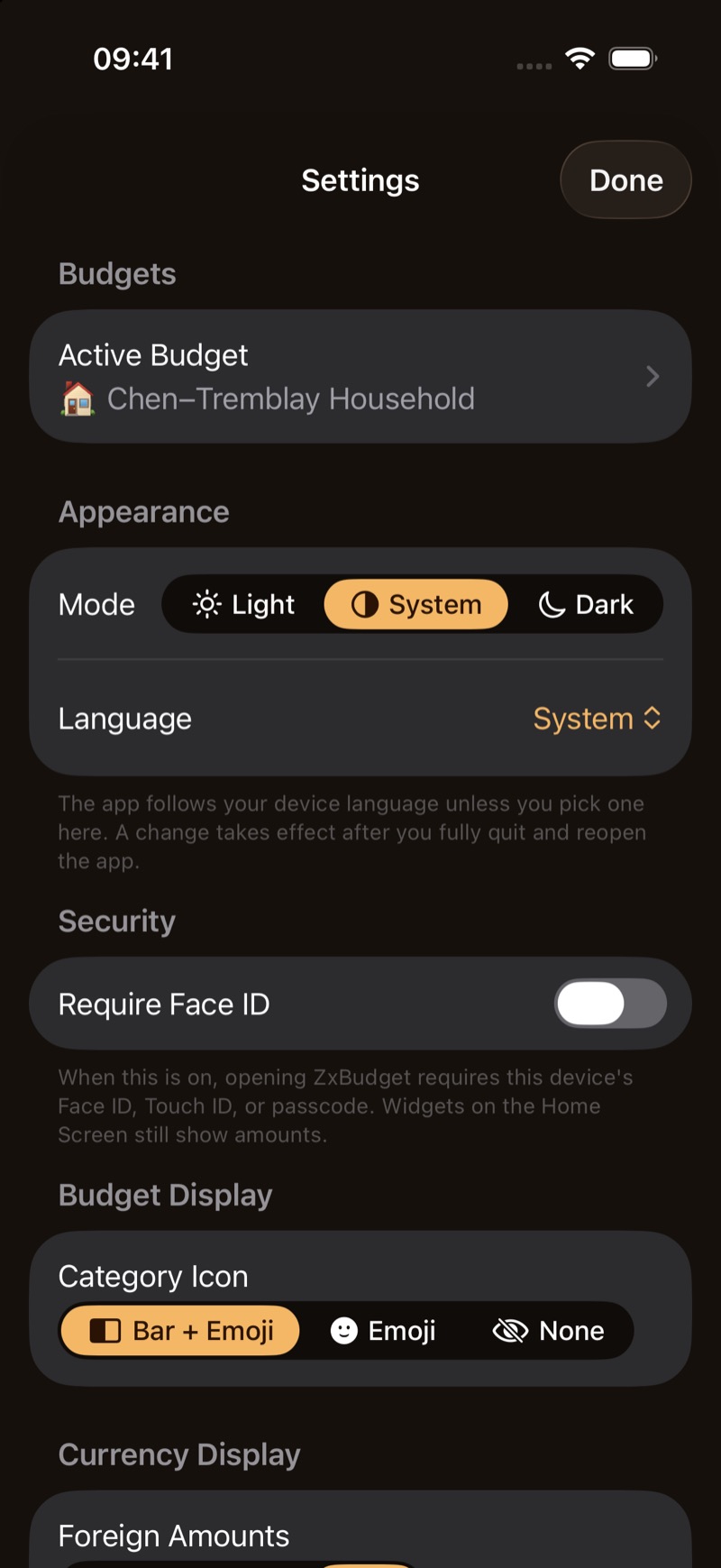
In Settings, or from the File menu on Mac, use Export Backup and Restore from Backup.
- Leave the passphrase empty for an unencrypted file: .json without receipt photos, or .aar when receipts are included.
- A passphrase produces an encrypted .budgetbackup file.
ZxBudget warns you when you export without a passphrase. iCloud sync is still how your devices stay together. The file is a copy you can store somewhere else.
The daily copy
Once a day, ZxBudget can write an unencrypted .aar of each budget into your iCloud Drive, including receipts when they are there. It keeps the newest seven daily files for each budget. You can turn that off in Settings.
Subscription
The download is free. Six months free at launch. One annual subscription billed by Apple, with Family Sharing, at the price Apple shows for your country. If the subscription lapses, you can still read the budget, export it, and sync.
App lock
App lock is off until you turn it on. In Settings it is Require Face ID. It uses the device passcode, Face ID, or Touch ID, and it stays on the device. Amounts on a Home Screen widget can still show.