 ZxBudget
Guide
Transactions
Any money that moves is a transaction. The register is the list of them.
Add and edit
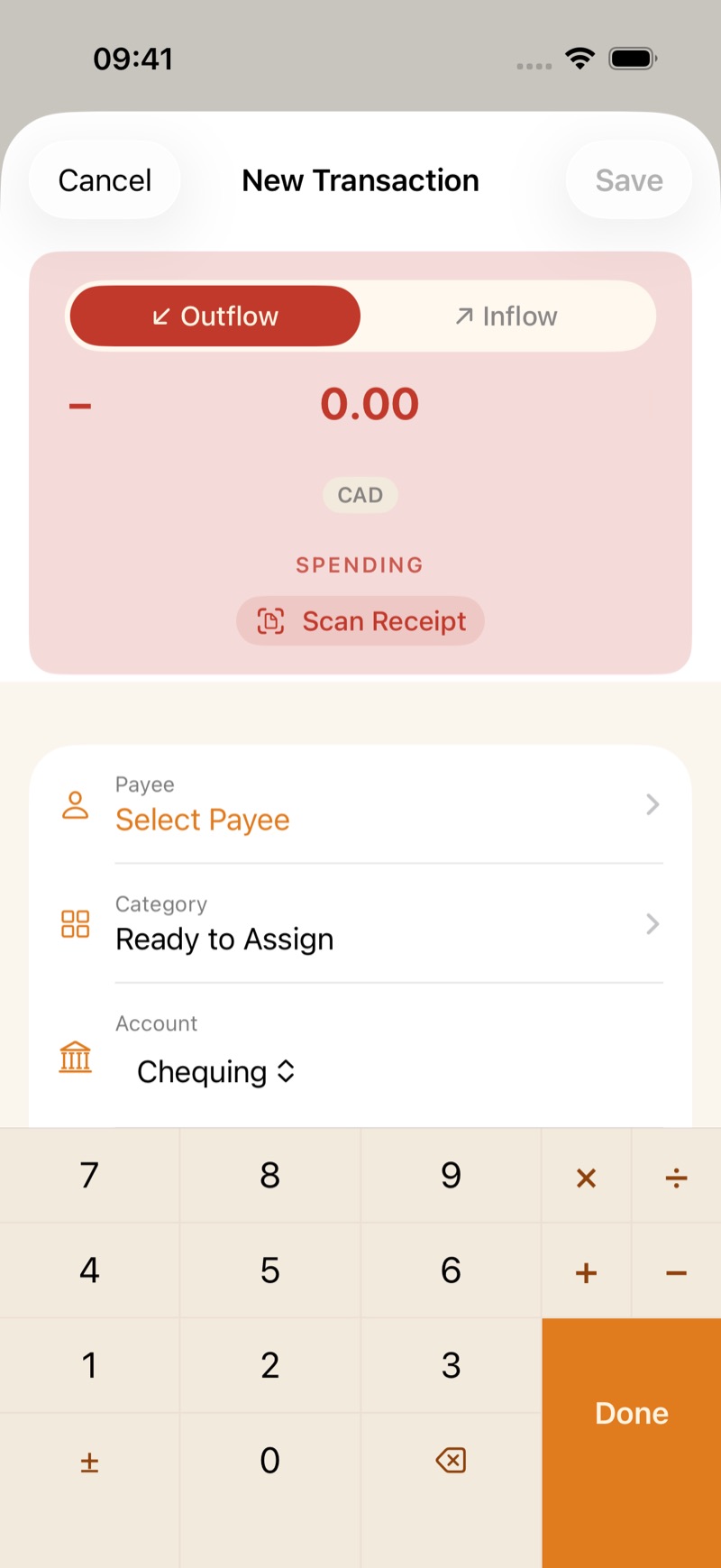
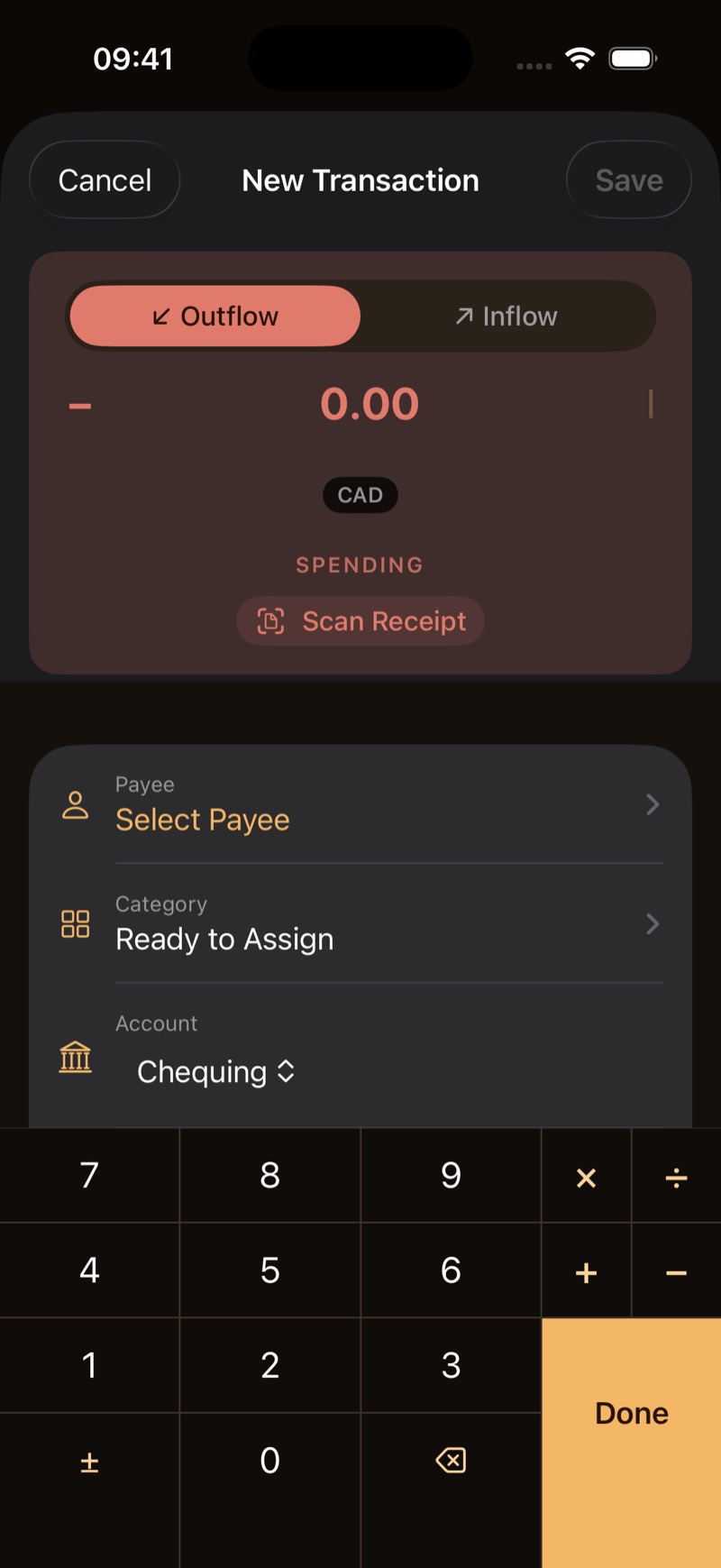
On iPhone, tap +. On Mac, use Add Transaction or press ⌘N. Choose Outflow or Inflow, the account, and a category. Inflow to Ready to Assign is new money waiting to be assigned. Tap a row later to edit it.
The payee and category are suggested from where you are and what you usually buy. You can change both before you save.
One purchase can be split across more than one category. The parts add up to the amount on the row.
Scheduled
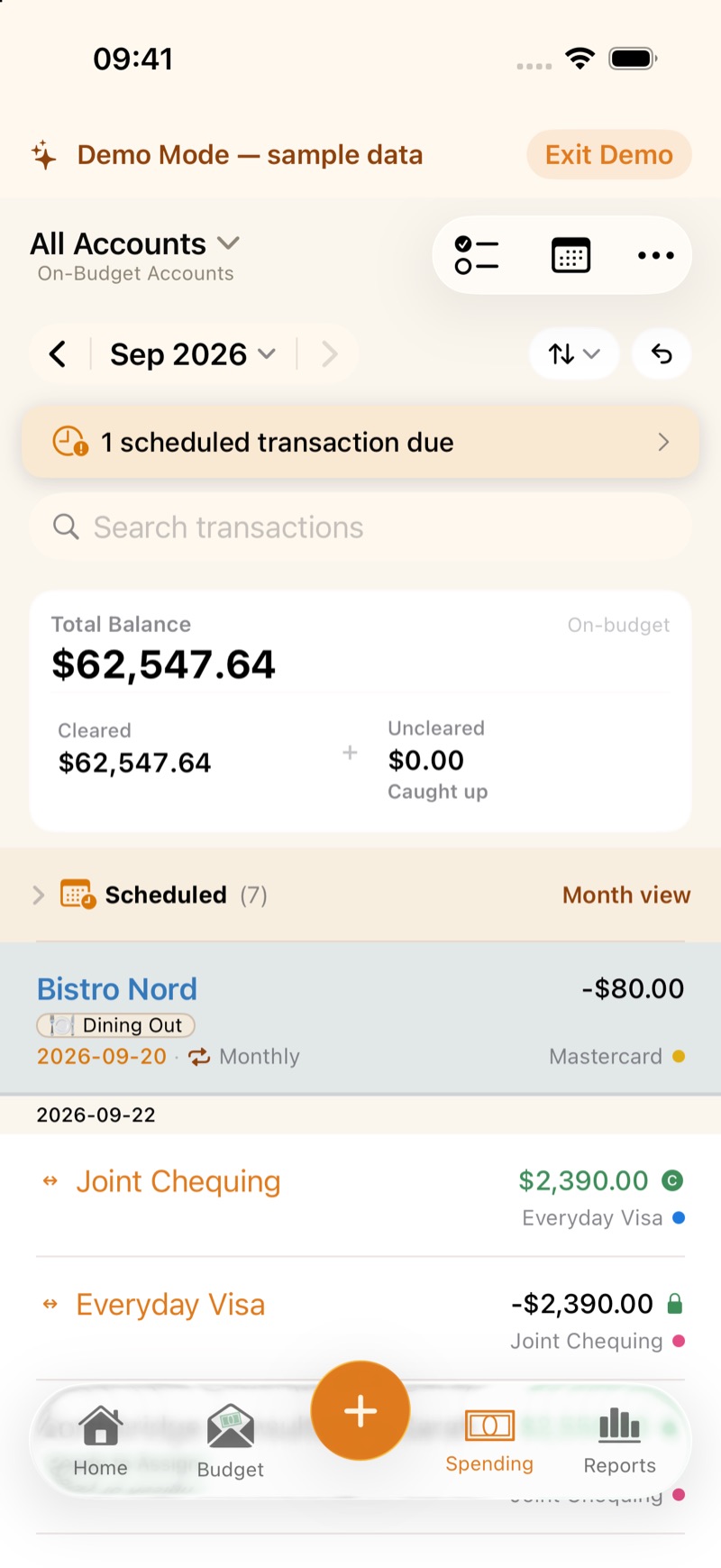
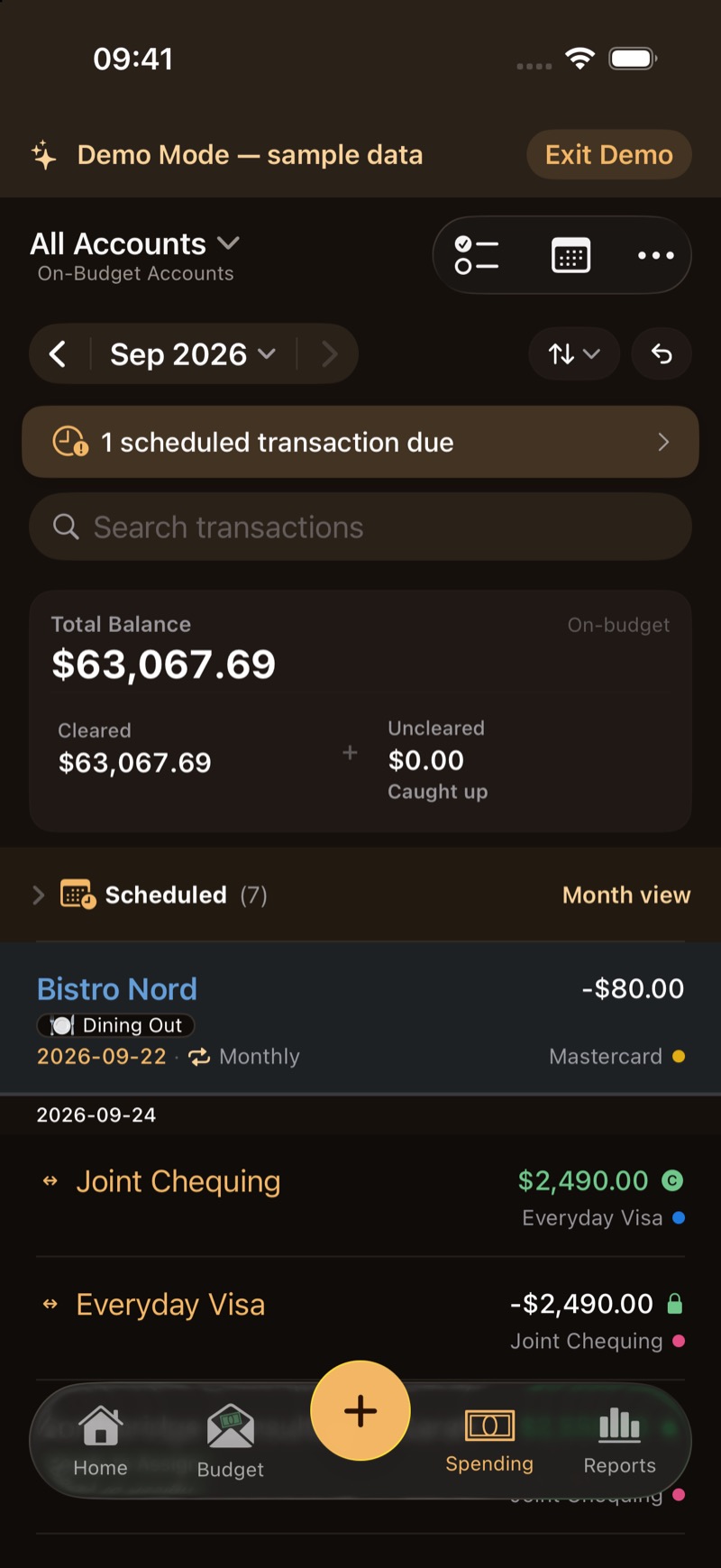
A repeating payment, such as rent or a paycheque, can be scheduled. The account shows them under Upcoming, and a banner appears when one is due. A due scheduled transaction waits for you to approve it. It is not entered on its own.
Find them
The register has a search field. On the Budget tab, the filter can be saved under My Filters and turned on again later. Deleting a saved filter does not delete categories.
Receipts
On the transaction, Add Receipt attaches a photo. Scan Receipt reads one on the device, on iPhone with the camera or on Mac from a photo. The image stays with that transaction. It is not uploaded to ZxBudget.