 ZxBudget
Guide
Sharing
One budget can be shared with another iCloud user. A second budget is a different budget you create.
Share a budget
Share from the budget’s own sharing control. The other person accepts the invite on their device, signed into their own iCloud account. They see that budget. The exchange goes through iCloud. ZxBudget is not in the middle and cannot read what you shared.
On the first screen of a new install, I'm joining a shared budget waits for that invite. Nothing is created on the device until the shared budget arrives.
A second budget
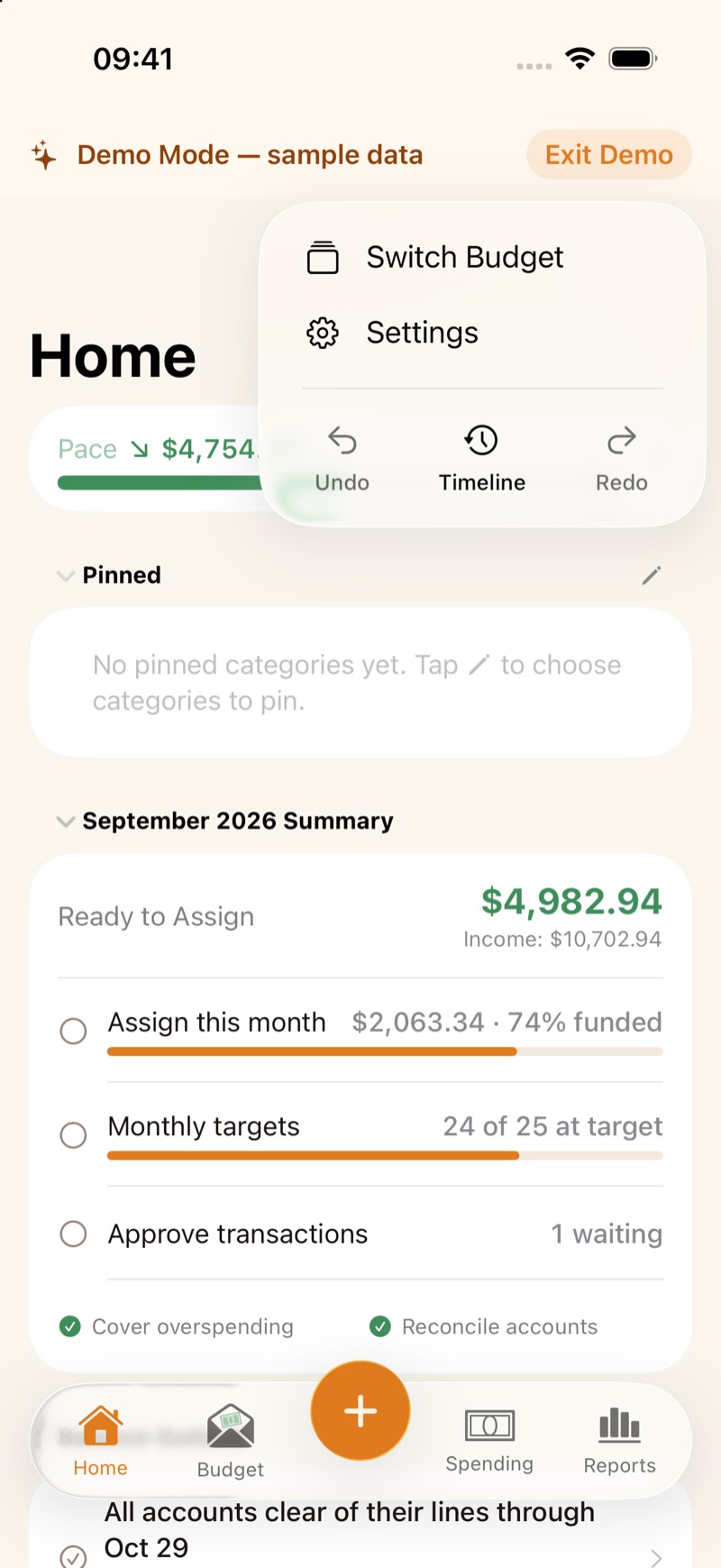
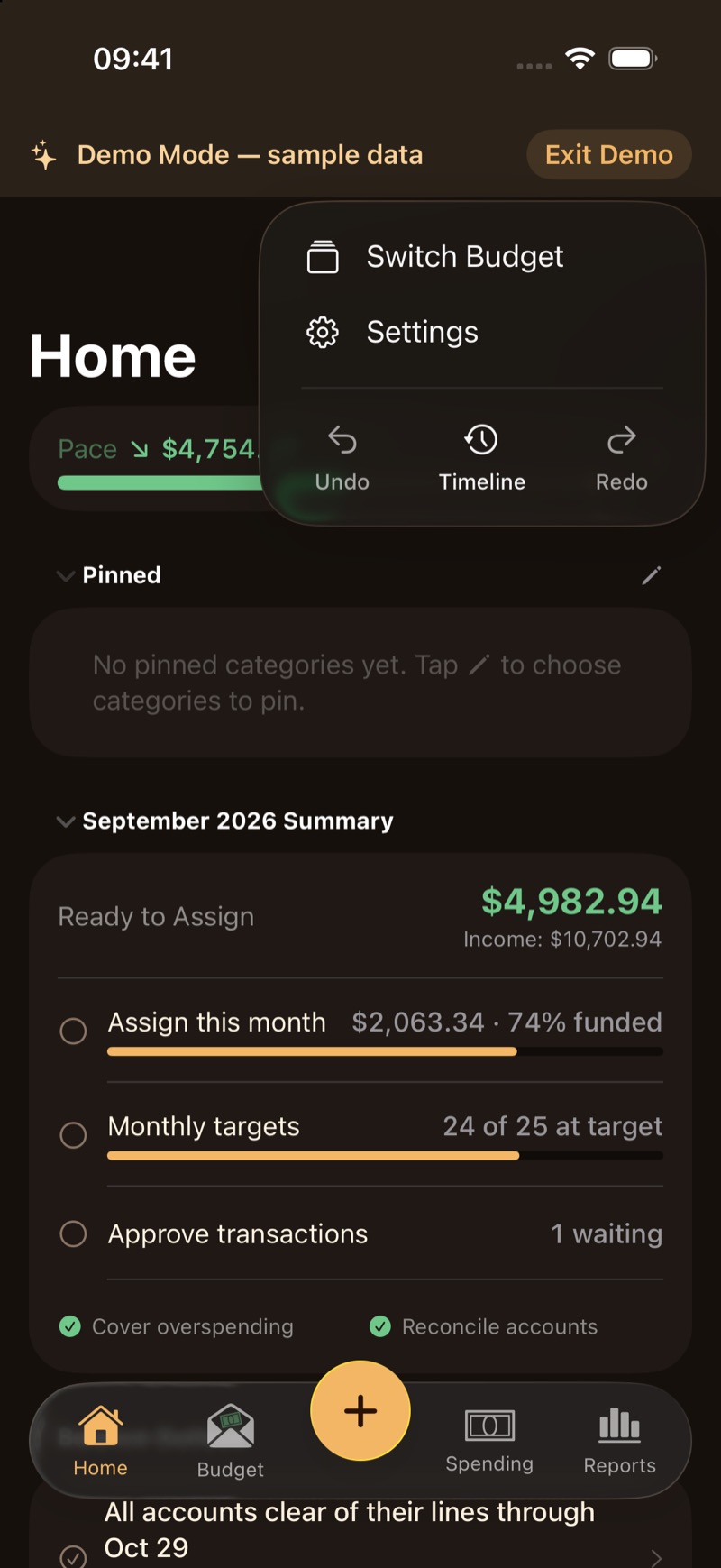
You can keep more than one budget, for example a Household budget and a Personal budget. Switch from the ··· menu, or on Mac with Switch Budget.
Family Sharing is the subscription
Apple Family Sharing lets up to 6 people use the subscription when one person pays. Each person still has their own iCloud account. That does not share a budget with them. Sharing a budget is the step above.